How to add aibo in Trello
Here is how to add aibo in trello
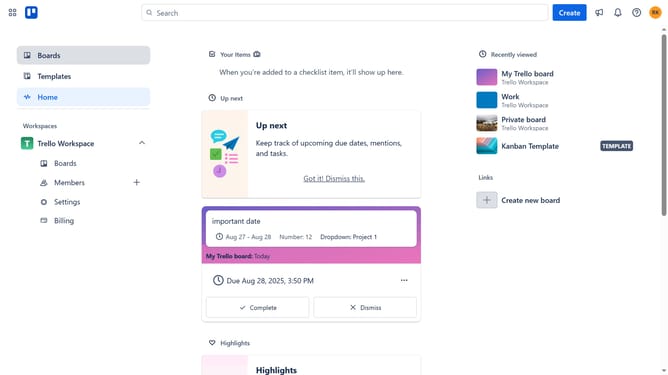
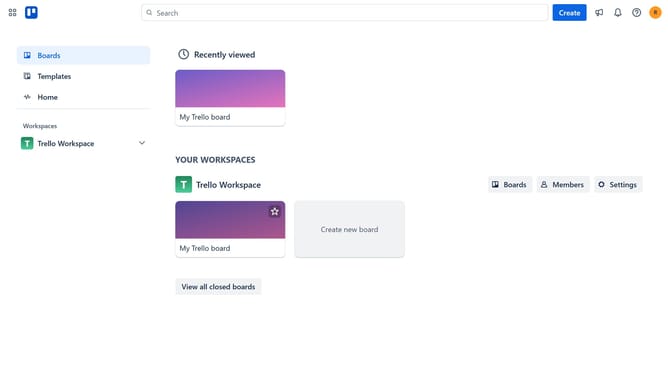
- First click on "Boards" in the left sidebar menu
- Then click a board in the workspace section
- Next click on the "More" button (three dots) in the top-right corner of the board
- Then click on "Power-Ups" option in the dropdown menu
- Next click on "Analytics & reporting" category in the Power-Ups menu
- Then click on "Add" button for the "aibo | ChatGPT With Your Boards and Notifications" Power-Up
- Finally click the "Add" button in the confirmation dialog to install the Power-Up
Why should you add aibo in Trello
Trello is a versatile tool designed to streamline teamwork through its intuitive board and card system.
Adding aibo to Trello enhances project management by seamlessly integrating AI-driven assistance into your workflow.
This feature empowers teams to automate routine tasks and gain insights, boosting efficiency and productivity. By leveraging aibo, you can focus on strategic planning while minimizing manual oversight.
Incorporating aibo within Trello creates a more cohesive, dynamic space for collaboration, helping teams achieve goals faster.
Last update