How to add description history power-up in Trello
Here is how to add description history power-up in trello
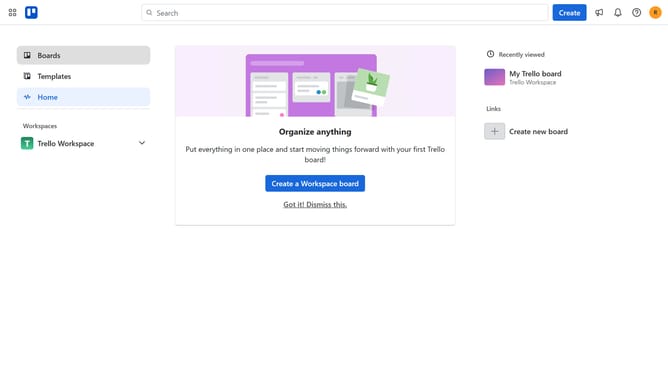
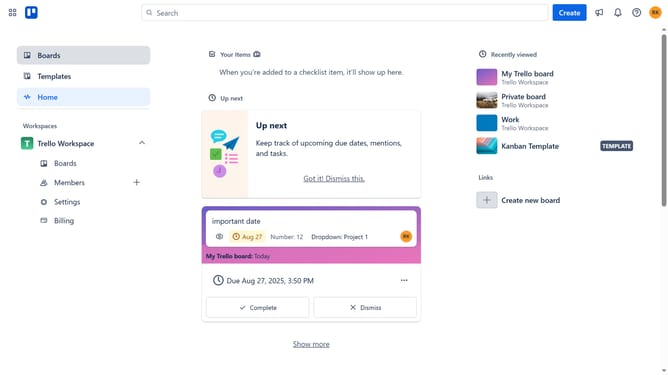
- First click on the "Boards" option in the left sidebar
- Then click a board from the workspace
- Next click the "More" menu (three dots) button in the top-right corner
- Select "Power-Ups" option from the dropdown menu
- Click on "Board utilities" category in the Power-Ups menu
- Scroll down in the board utilities list
- Click on the "Add" button under the "Description History" power-up to view its details
- Finally click the "Add" button to install the Description History power-up
Why should you add description history power-up in Trello
Trello is a versatile tool designed to organize your projects and streamline collaboration with visual boards.
The Description History Power-Up in Trello is an invaluable feature that allows users to track changes made to the card descriptions effortlessly.
By adding this Power-Up, teams can maintain a clear record of modifications, enhancing transparency and accountability within projects.
This feature is beneficial for keeping all team members aligned, especially in dynamic or fast-paced environments, ensuring vital information is never lost.
Last update