How to add applicant tracking-hiring-recruiting power-up in Trello
Here is how to add applicant tracking-hiring-recruiting power-up in trello
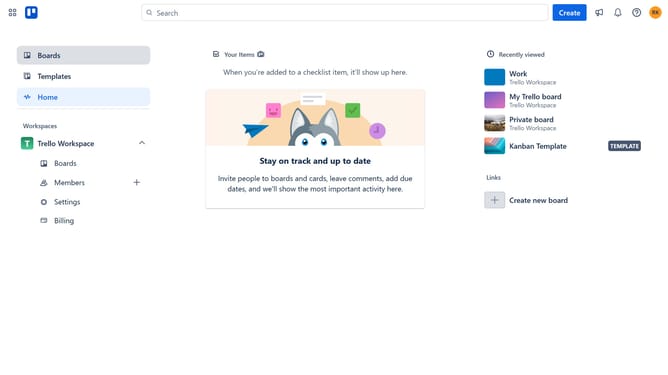
- First click on the "Boards" option in the left sidebar menu
- Then click a board in the workspace section
- Next click on the three dots menu button in the top-right corner of the board
- Then select "Power-Ups" option from the dropdown menu
- In the Power-Ups menu, click on the "HR & operations" category in the left sidebar
- Then click on the "Add" button under the Applicant Tracking-Hiring-Recruiting by Hipporello power-up
- Finally click the "Add" button in the confirmation dialog to install the power-up
Why should you add applicant tracking-hiring-recruiting power-up in Trello
Trello is a versatile project management tool designed to organize tasks and streamline workflows.
By integrating an applicant tracking-hiring-recruiting power-up, Trello enhances its capabilities to seamlessly manage recruitment processes.
This feature allows teams to oversee applications, schedule interviews, and move candidates through recruitment stages effortlessly, all within a single interface.
Utilizing this integration not only saves time but also ensures that recruiting tasks remain organized, visible, and manageable, improving overall hiring efficiency.
Last update