How to add exports for trello by blue cat in Trello
Here is how to add exports for trello by blue cat in trello
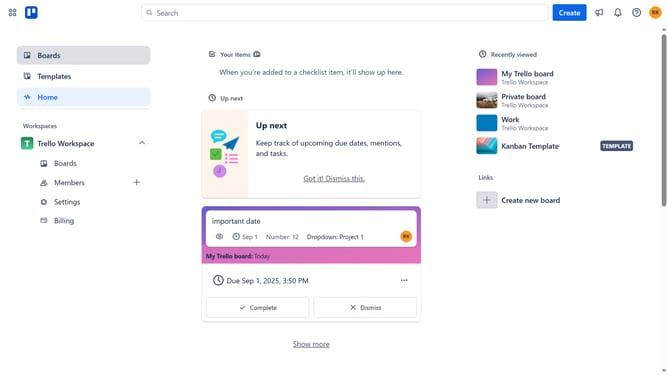
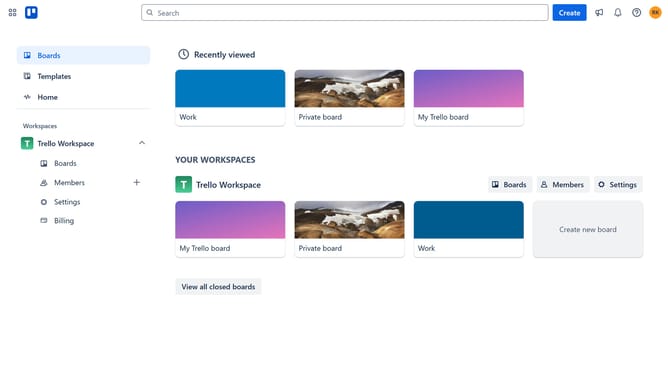
- First, click on the "Boards" option in the left sidebar menu
- Then click on a board in the workspace section
- Next, click on the ellipsis ("...") menu button in the top-right corner of the board
- In the dropdown menu, click on "Power-Ups" option from the menu list
- Then select the "Analytics & reporting" category from the left sidebar in the Power-Ups window
- Finally click the "Add" button to confirm adding the selected power-up
Why should you add exports for trello by blue cat in Trello
Trello is a dynamic project management tool designed to streamline workflows with intuitive boards and cards.
Integrating the Blue Cat export feature in Trello enhances your ability to seamlessly share and analyze task data. This functionality allows users to effortlessly export project information, facilitating smoother collaboration and data-driven decision-making.
Add exports to optimize the way you manage tasks, further enriching your Trello experience by providing valuable insights and improving overall efficiency.
Last update