How to add knowledge base power-up in Trello
Here is how to add knowledge base power-up in trello
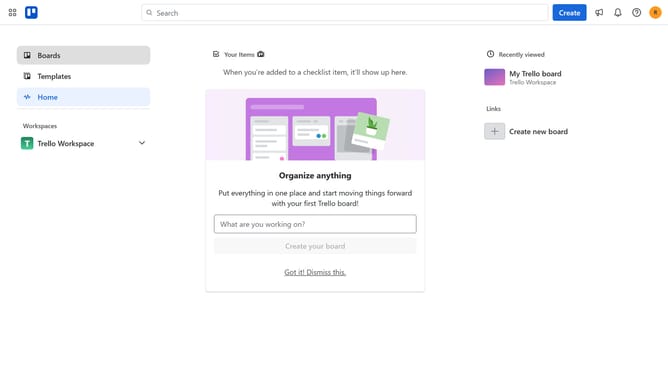
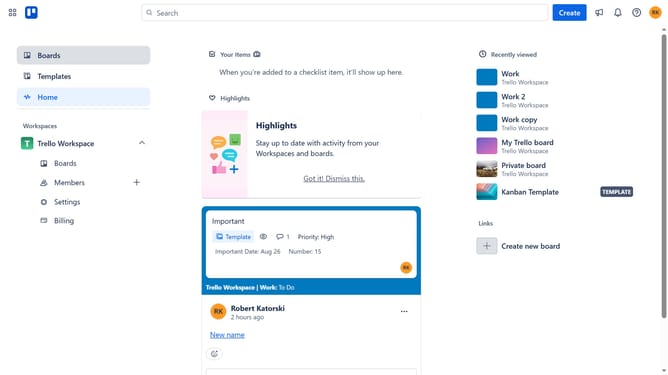
- First click on "Boards" in the left sidebar
- Then click a board in the workspace section
- Click on the "More" three dots menu button in the top-right corner
- Select "Power-Ups" option from the dropdown menu
- Scroll down in the power-ups menu
- Select "Sales & support" category from the left sidebar
- Click "Add" button next to the "Knowledge Base by Hipporello" power-up
- Finally click "Add" button in the confirmation dialog
Why should you add knowledge base power-up in Trello
Trello is an intuitive visual tool designed to help you organize any project seamlessly.
By adding the knowledge base power-up to Trello, you enhance your project management with a built-in repository of essential information.
This feature allows team members to easily access and contribute to shared documents without leaving the Trello board.
The knowledge base power-up fosters efficient collaboration, reduces repetitive questions, and keeps vital information easily accessible, ultimately streamlining your workflow.
Last update