How to add processes for trello power-up in Trello
Here is how to add processes for trello power-up in trello
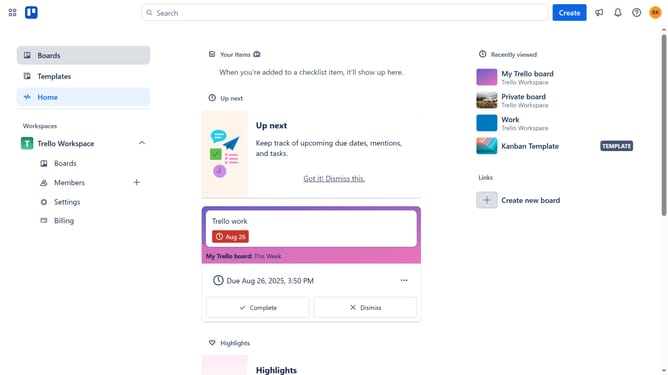
- First click on the "Boards" option in the left sidebar navigation
- Then click a board in the workspace section
- Next click on the menu icon (...) in the top-right corner of the board
- Then click on "Power-Ups" option in the dropdown menu
- Next click on the "Board utilities" category in the left sidebar of Power-Ups window
- Then click on "Add" button under the "Processes for Trello" power-up
- Finally click on the "Add" button in the confirmation dialog to install the Processes for Trello power-up
Why should you add processes for trello power-up in Trello
Trello is a versatile tool designed to streamline project management and enhance team collaboration.
Incorporating processes into Trello's power-ups brings a newfound efficiency to this dynamic platform. By adding processes, you create structured workflows that guide team members seamlessly through tasks, making project tracking effortless.
This feature empowers teams to align on objectives, ensuring clear communication and efficient task management, resulting in more productive collaborations and successful project outcomes.
Last update