How to add autoplan power-up in Trello
Here is how to add autoplan power-up in trello
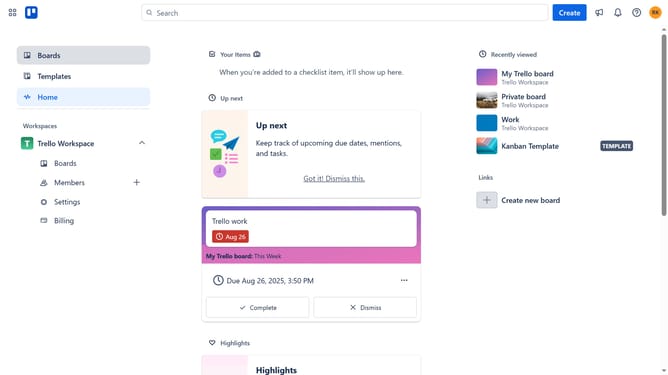
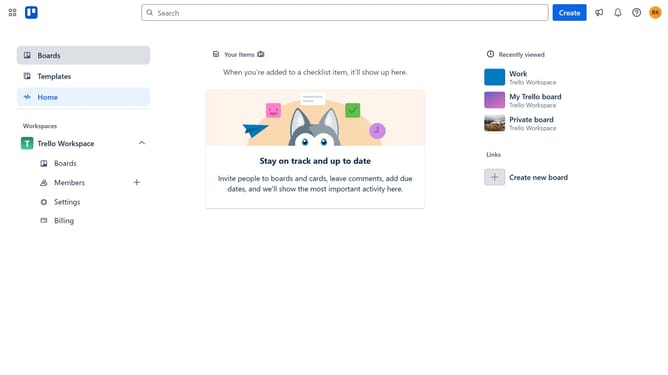
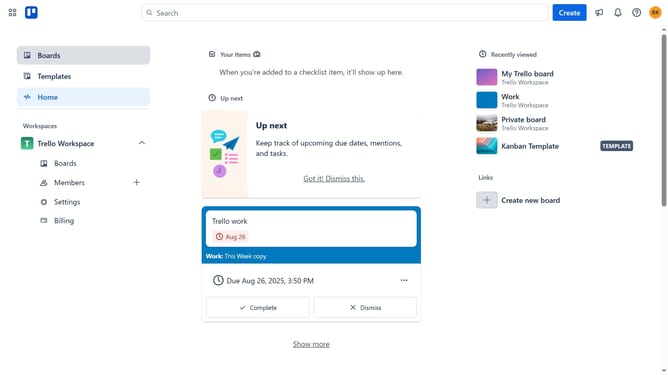
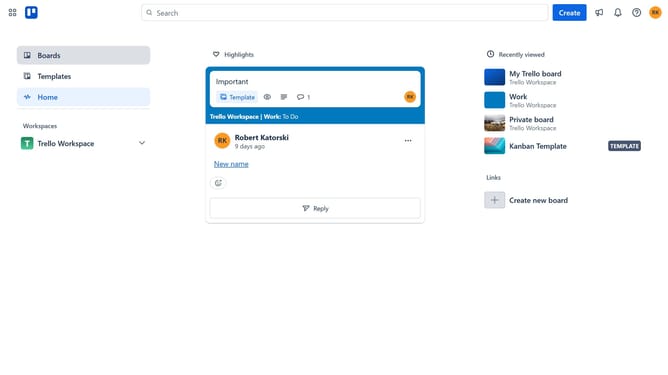
- First click on the "Boards" option in the left sidebar menu
- Then click a board in the workspace section
- Next click on the menu button (three dots) in the top-right corner of the board
- Then select "Power-Ups" from the dropdown menu
- In the Power-Ups window, click on the "Automation" category from the left sidebar
- Then click the "Add" button under the "Autoplan" power-up to view its details
- Finally click the "Add" button in the AutoPlan confirmation dialog to enable the power-up
Why should you add autoplan power-up in Trello
Trello is a dynamic project management tool designed to keep your workflow organized and efficient.
The autoplan power-up in Trello is a valuable feature that enhances your boards by offering automatic scheduling capabilities. This means that you can optimize your productivity by ensuring tasks are timely assigned without manual effort.
Incorporating autoplan into your Trello workflow allows seamless automation, promoting time management and reducing the risk of oversight.
Using autoplan boosts team collaboration, ensuring everyone is aligned and focused on priority tasks.
Last update