How to filter cards without activity in the last four weeks in Trello
Here is how to filter cards without activity in the last four weeks in trello
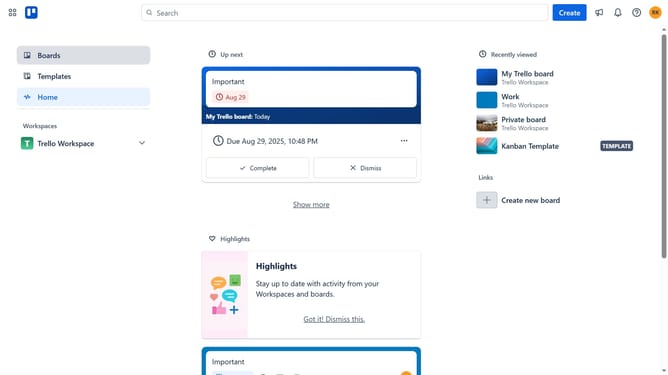
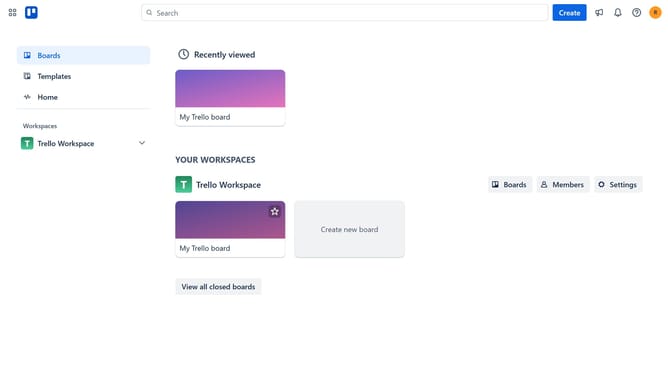
- First click on the "Boards" option in the left sidebar menu
- Then click a board in the workspace section
- Next click on the "Filter" icon in the board header
- Then scroll down in the filter menu
- Finally click the checkbox next to the "Without activity in the last four weeks" option in the filter menu
Why should you filter cards without activity in the last four weeks in Trello
Trello is a versatile project management tool designed to streamline collaboration and enhance productivity.
Filtering cards without activity in the last four weeks in Trello is an efficient feature that helps teams identify and focus on neglected tasks. By transparently viewing these inactive cards, project managers can ensure that no task is overlooked.
This feature bolsters efficiency as it assists in reprioritizing projects, allowing teams to redirect attention toward tasks that need immediate action, ultimately fostering timely project completion.
Last update