How to add configcat feature flags power-up in Trello
Here is how to add configcat feature flags power-up in trello
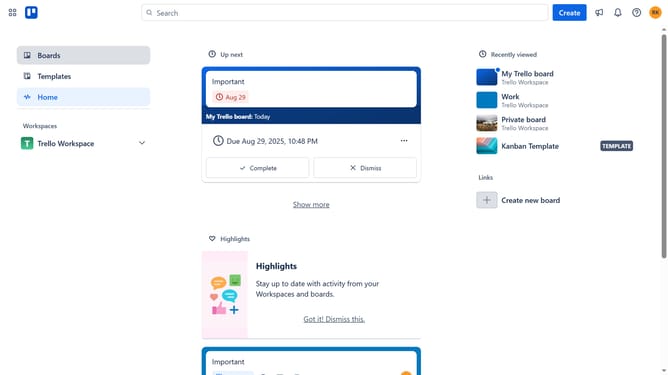
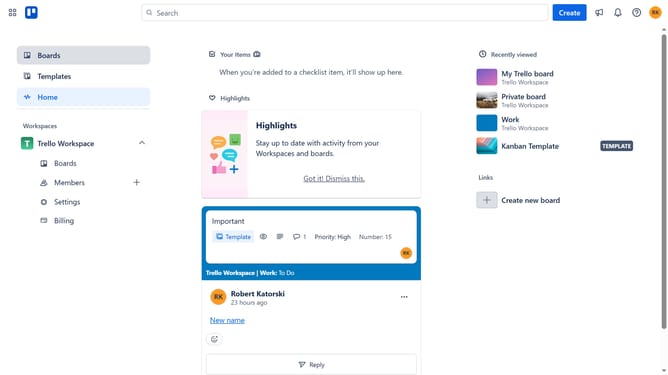
- First click on the "Boards" option in the left sidebar
- Then click a board in the workspace area
- Click on the "More" menu button (three dots) in the top-right corner of the board
- Select "Power-Ups" option from the dropdown menu
- In the Power-Ups window, click on "Developer tools" category in the left sidebar
- Click on the "Add" button under the "ConfigCat Feature Flags" power-up card
- Finally click the blue "Add" button to install the ConfigCat Feature Flags power-up
Why should you add configcat feature flags power-up in Trello
Trello is a dynamic tool designed for seamless project management and collaboration.
The ConfigCat feature flags power-up enriches Trello by providing a simplified way to control feature rollouts. This integration allows you to manage features directly within your Trello boards, instantly benefiting your workflow by enabling flexible feature management without leaving the platform.
Using ConfigCat with Trello enhances your ability to test new features safely and react swiftly to user feedback, ensuring greater control and a more adaptive project management experience.
Last update