How to add T&M: Time tracking power-up in Trello
Here is how to add t&m: time tracking power-up in trello
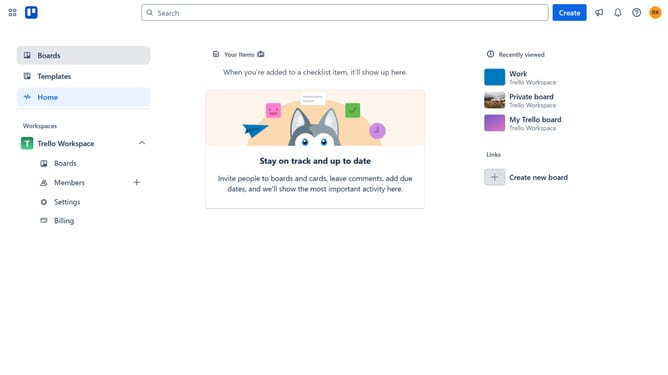
- First click on the "Boards" option in the left sidebar
- Then click a board in the workspace section
- Next click on the "More" button (three dots) in the top-right corner of the board
- Then click on "Power-Ups" option in the dropdown menu
- Next click on the "HR & operations" category in the left sidebar of Power-Ups window
- Scroll down in the HR & operations list
- Click the "Add" button under the "T&M: Time tracking for Trello cards" power-up
- Finally click the "Add" button in the confirmation dialog to install it
Why should you add T&M: Time tracking power-up in Trello
Trello is a visual project management tool that organizes tasks and enhances productivity.
To elevate your Trello board's functionality, incorporating the T&M: Time tracking power-up is a game-changer.
This feature provides insight into time spent on tasks, offering valuable data for optimizing workflow efficiency.
By tracking time, users can better allocate resources, streamline operations, and ensure timely project completion.
Last update