How to add export-is for trello power-up in Trello
Here is how to add export-is for trello power-up in trello
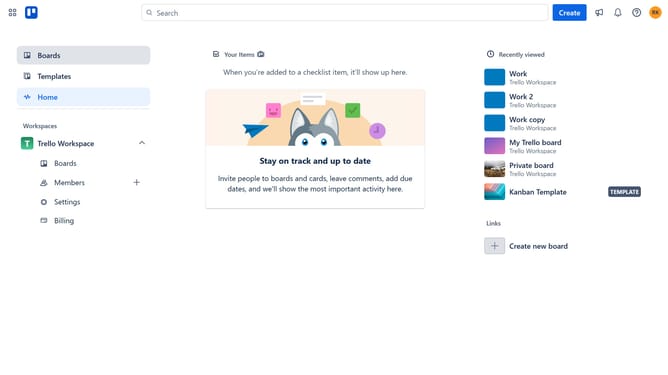
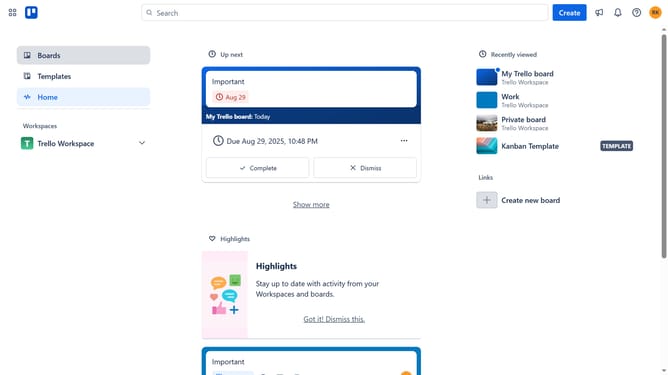
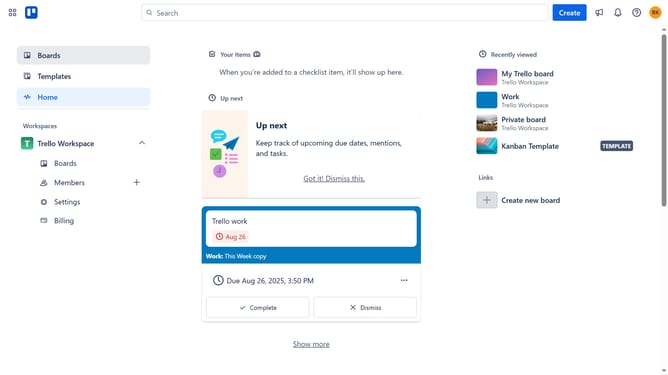
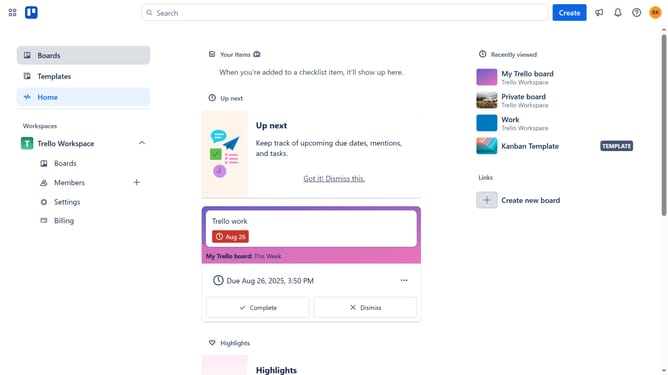
- First click on "Boards" item in the left sidebar
- Then click a board in the workspace section
- Next click on the "More" menu button (three dots) in the top-right corner
- Then click on "Power-Ups" option in the board menu
- Next click on "Analytics & reporting" category in the Power-Ups menu
- Then click on "Add" button under the Export-is for Trello Power-Up
- Finally click "Add" button for the Export-is for Trello Power-Up to install it
Why should you add export-is for trello power-up in Trello
Trello is an intuitive project management tool designed to simplify collaboration and enhance productivity through its visual workflow approach.
Adding the Export for Trello power-up enables users to seamlessly extract data from their boards, streamlining the process of documentation and reporting.
This feature allows for quick and efficient exporting of lists, cards, and attachments, assisting teams in maintaining organized records.
By integrating this power-up, users can enhance their workflow, adapt data for various formats, and optimize project management strategies.
Last update