How to add inventoryefy power-up in Trello
Here is how to add inventoryefy power-up in trello
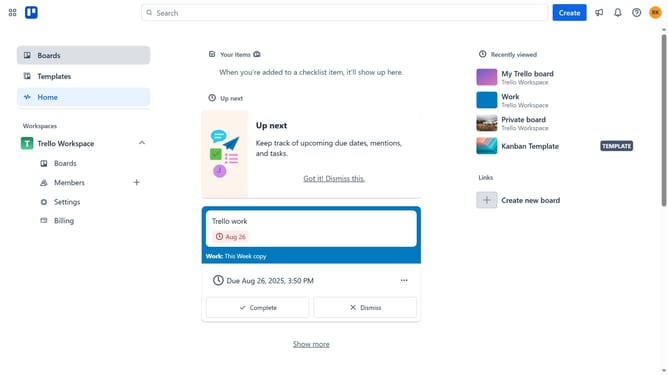
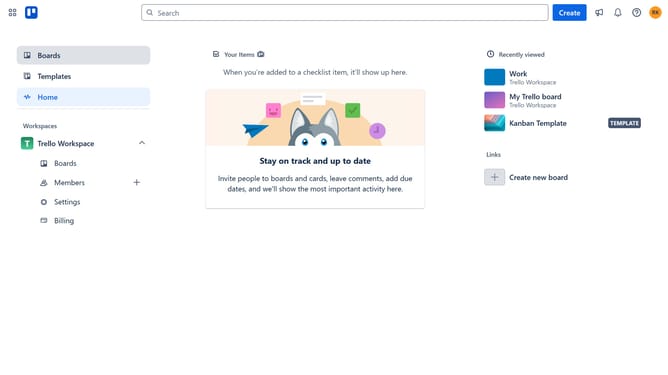
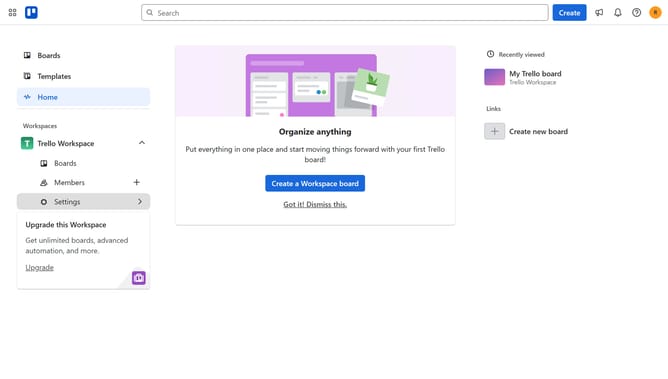
- First click on the "Boards" option in the left sidebar menu
- Then click a board in the workspace section
- Next click on the "More" (three dots) menu button in the top-right corner of the board
- Then click on the "Power-Ups" option in the dropdown menu
- Next click the "Add" button under the "Inventoryefy" power-up
- Finally click the "Add" button in the Inventoryefy details window to confirm installation
Why should you add inventoryefy power-up in Trello
Trello is a dynamic project management tool designed to streamline and organize tasks using intuitive boards and lists.
Adding the Inventoryefy Power-Up to Trello enhances its functionality by offering seamless inventory management directly within your Trello boards.
This integration enables users to efficiently track stock levels, monitor product movement, and maintain organized records within their existing workflow.
Utilizing this feature enhances productivity by reducing the need for external tools, ensuring all inventory data is centralized and easily accessible.
Last update