How to add analytics & reports by screenful in Trello
Here is how to add analytics & reports by screenful in trello
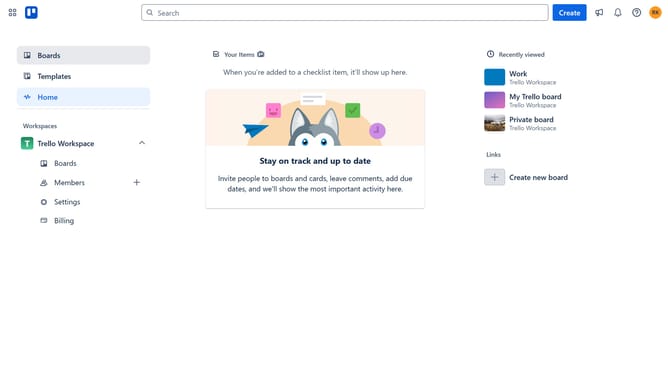
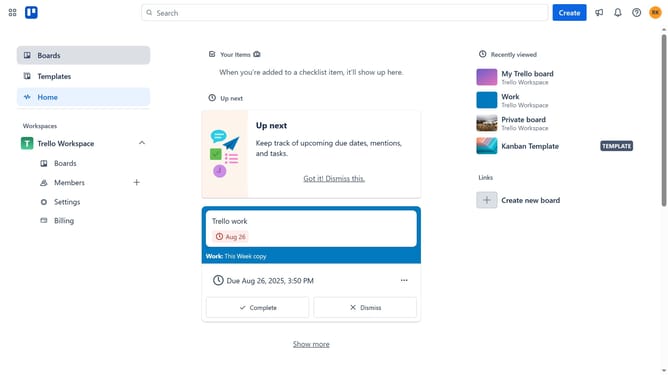
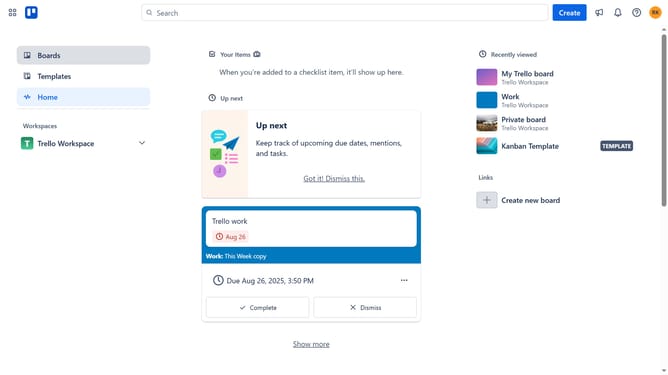
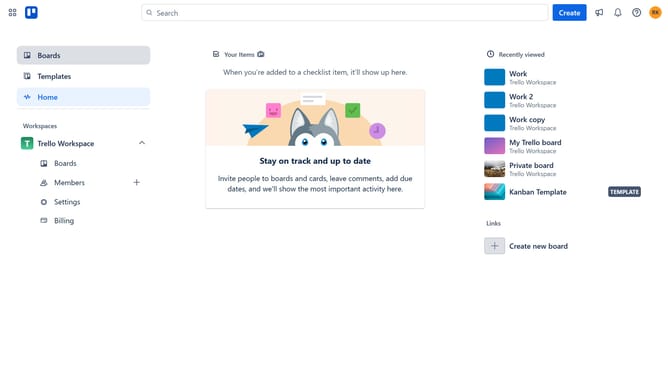
- First click on the "Boards" option in the left sidebar menu
- Then click a board in the workspace section
- Next click on the "More" menu (three dots) button in the top-right corner of the board
- Then click on "Power-Ups" option in the dropdown menu
- Next click on "Analytics & reporting" category in the Power-Ups menu
- Then click on the "Add" button under the "Analytics & Reports by Screenful" power-up
- Finally click the "Add" button to install the Analytics & Reports power-up
Why should you add analytics & reports by screenful in Trello
Trello is a powerful project management tool designed to keep your tasks organized and your team on the same page.
By adding Screenful’s analytics and reports to Trello, you can unlock valuable insights into your project’s progress and team performance. These features allow you to monitor key metrics and visualize data effortlessly.
The integration helps identify bottlenecks, track time metrics, and streamline workflows, empowering teams to make informed decisions and boost productivity.
Ultimately, it enhances transparency and ensures projects stay on track, fostering a culture of accountability and success.
Last update