How to mark card as incomplete in Trello
Here is how to mark card as incomplete in trello
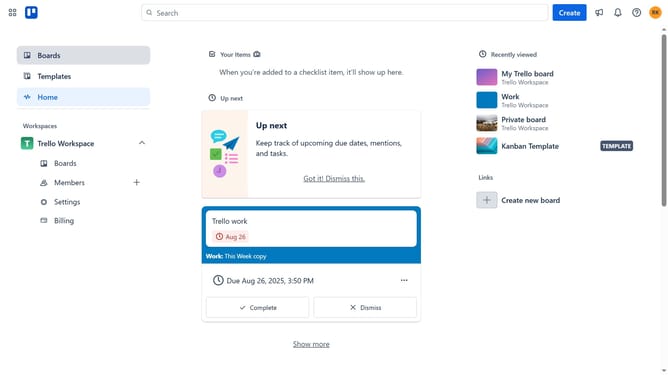
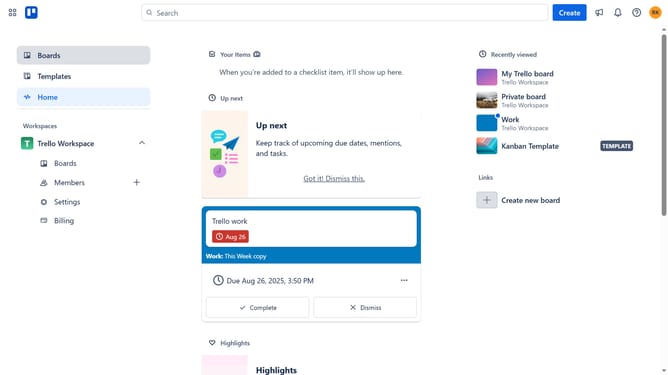
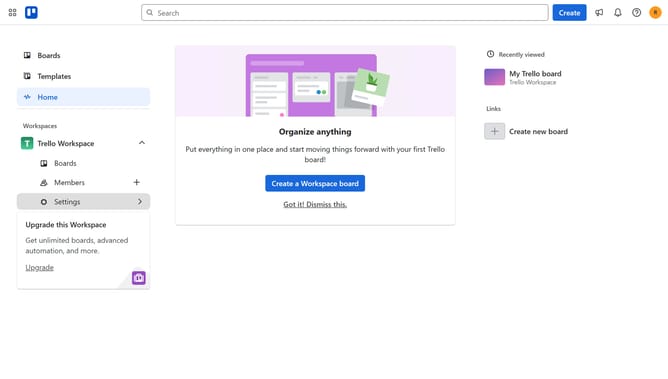
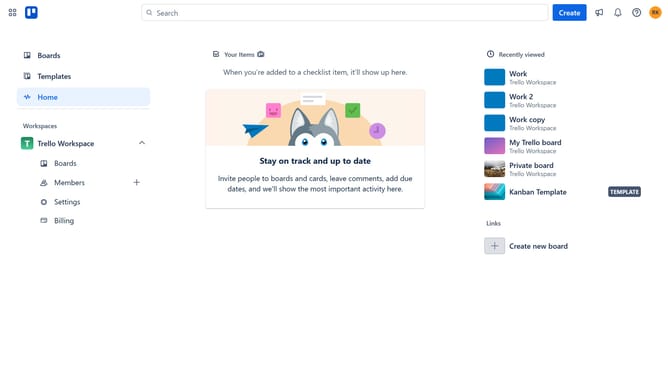
- First click on "Boards" in the left sidebar
- Then select the board that has a card you want to mark as incomplete from the workspace boards list
- Next click on the card that you want to mark as incomplete
- Finally click the circle with the checkmark next to the card title to uncheck it and mark the card as incomplete
Why should you mark card as incomplete in Trello
Trello is a dynamic tool that propels team productivity with streamlined task management.
Marking a card as incomplete in Trello is a handy feature that adds flexibility to your workflow. It helps in revisiting tasks that need more attention or require additional action.
This feature ensures that nothing falls through the cracks, allowing teams to prioritize and manage tasks effectively.
By marking tasks as incomplete, you embrace a more dynamic and responsive planning process, resulting in enhanced project management and better outcomes.
Last update