How to add agile, scrum & kanban dashboards & charts: corrello powerup- in Trello
Here is how to add agile, scrum & kanban dashboards & charts: corrello powerup- in trello
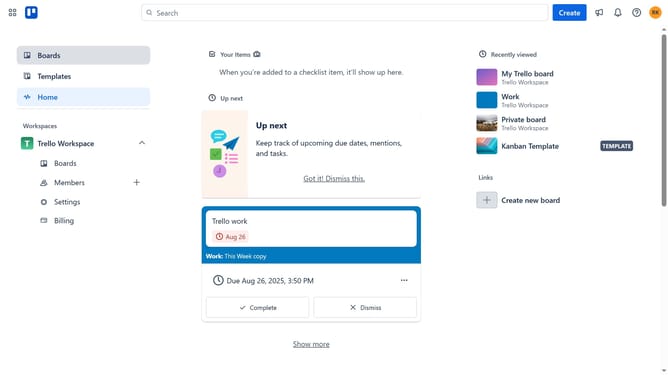
- First click on the "Boards" option in the left sidebar
- Then click a board in the workspace section
- Click on the "More" menu (three dots) button in the board header
- Select "Power-Ups" option from the dropdown menu
- Click on "Analytics & reporting" category in the Power-Ups menu
- Scroll down and locate "Agile,Scrum & Kanban Dashboards & Charts: Corrello" power-up
- Click the "Add" button next to the Corrello power-up
- Finally click the "Add" button in the confirmation dialog to install the power-up
Why should you add agile, scrum & kanban dashboards & charts: corrello powerup- in Trello
Trello is a user-friendly project management tool designed to help teams organize tasks and collaborate efficiently.
By integrating the Corrello Power-Up, Trello users can effortlessly incorporate agile methodology into their workflow. This feature brings dynamic scrum and Kanban dashboards and charts directly into your boards.
Utilizing these dashboards offers real-time insights and boosts productivity. It helps in tracking key metrics and progress effectively, encouraging better decision-making and improving teamwork.
Last update