How to add threaded comments power-up in Trello
Here is how to add threaded comments power-up in trello
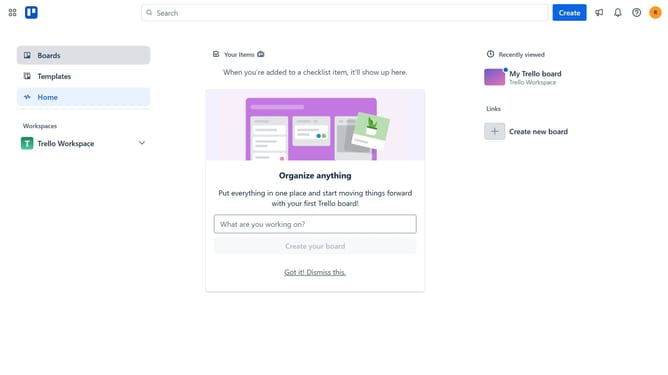
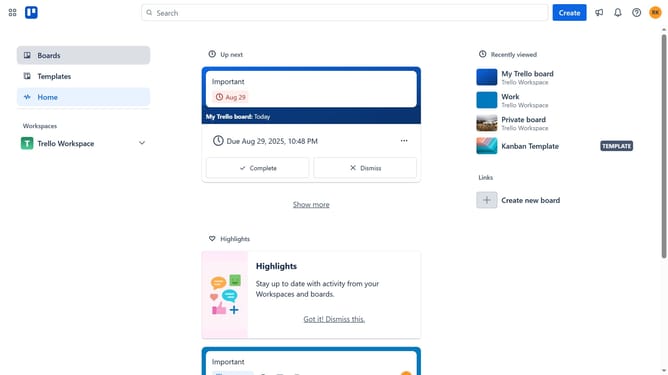
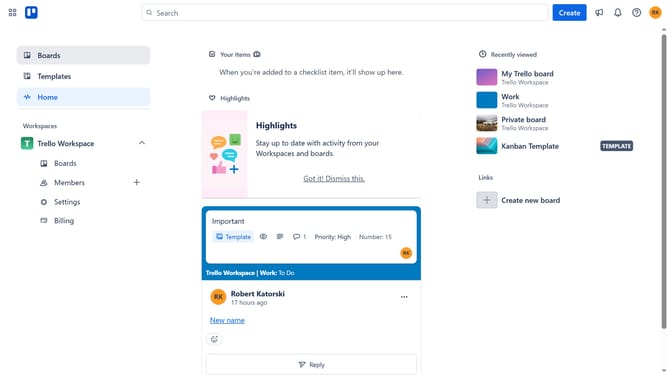
- First click on the "Boards" option in the left sidebar
- Then click a board in the workspace section
- In the board view, click on the "More" (three dots) button in the top-right corner
- Select "Power-Ups" option from the dropdown menu
- In the Power-Ups window, click on "Communication & collaboration" category in the left sidebar
- Scroll down in the communication & collaboration list
- Click the "Add" button under the "Threaded Comments for Trello" power-up
- Finally click the "Add" button to enable the Threaded Comments power-up
Why should you add threaded comments power-up in Trello
Trello is a dynamic project management tool designed to streamline team collaboration and task organization effortlessly.
The threaded comments power-up in Trello enhances communication by allowing users to reply directly to specific comments, creating a more structured and coherent conversation flow.
By using this feature, teams can maintain organized discussions without losing track of context, thus boosting productivity and ensuring every opinion is captured. The power-up simplifies tracking feedback and decisions, making it an invaluable addition to your Trello boards.
Last update