How to add toggl integration power-up in Trello
Here is how to add toggl integration power-up in trello
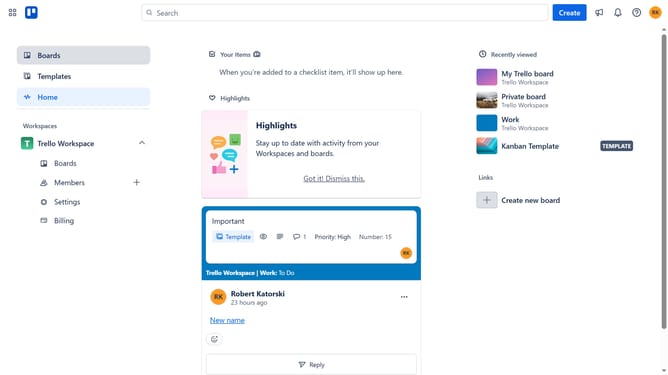
- First click on the "Boards" link in the left sidebar
- Then click a board in the workspaces section
- Next click on the "More options" button (three dots) in the board header
- Then click on "Power-Ups" option in the dropdown menu
- Next click on "Analytics & reporting" category in the Power-Ups menu
- Then scroll down to find the "Toggl Integration for Trello" Power-Up
- Click on the "Add" button under the Toggl Integration Power-Up
- Finally click "Add" button in the confirmation dialog to complete the Power-Up installation
Why should you add toggl integration power-up in Trello
Trello is a versatile tool that transforms complex projects into easily manageable tasks.
Integrating Toggl with Trello enhances your productivity by enabling precise time tracking directly within your workflows.
This integration allows users to effortlessly manage their time, ensuring deadlines are met while tracking project efficiency.
By adding this power-up, you're empowering your team with the ability to allocate time wisely and gain insights into task duration, paving the way for data-driven project management.
Last update