How to add agile analytics by nave in Trello
Here is how to add agile analytics by nave in trello
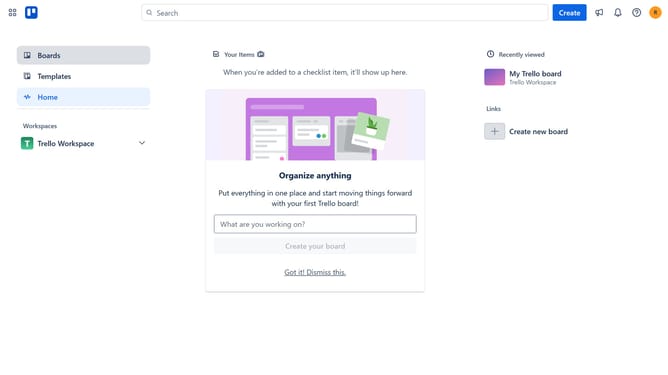
- First click on the "Boards" option in the left sidebar
- Then click a board in the workspace area
- Next click on the "More options" (three dots) button in the top-right corner of the board
- Then click on the "Power-Ups" option in the dropdown menu
- Scrol down in the power-ups list
- Select the "IT & project management" category from the left sidebar
- Click on the "Add" button under the "Agile Analytics by Nave" power-up
- Finally click the "Add" button in the confirmation dialog to install the power-up
Why should you add agile analytics by nave in Trello
Trello is an intuitive visual tool designed to streamline project management and enhance organizational productivity.
By integrating agile analytics from Nave into Trello, teams can effortlessly track their progress and identify roadblocks. This feature provides actionable insights, helping teams to improve efficiency in real-time.
Utilizing Nave’s analytics empowers teams to deliver projects faster and with higher quality by leveraging data-driven decisions and optimizing their agile processes.
Last update