How to add export attachments power-up in Trello
Here is how to add export attachments power-up in trello
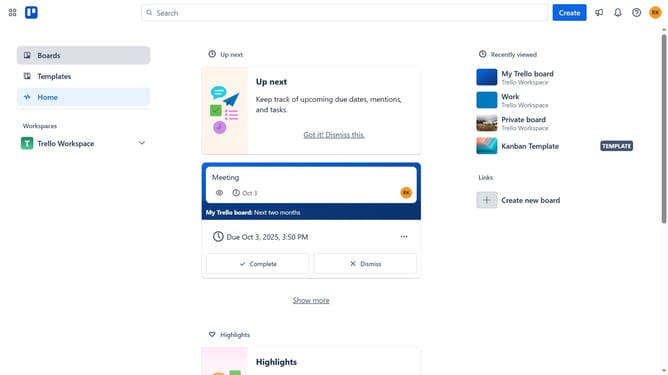
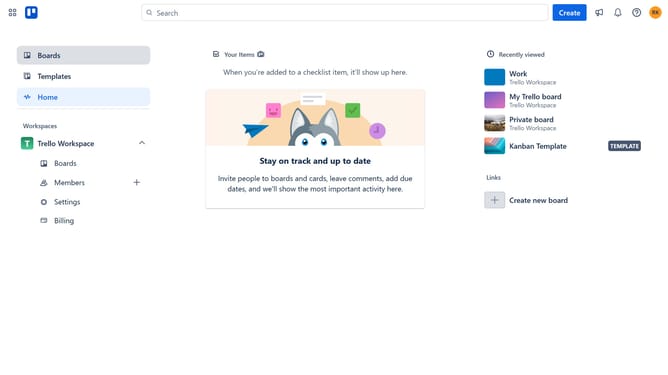
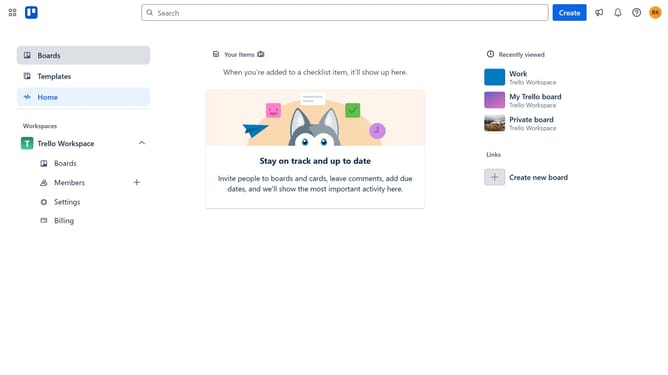
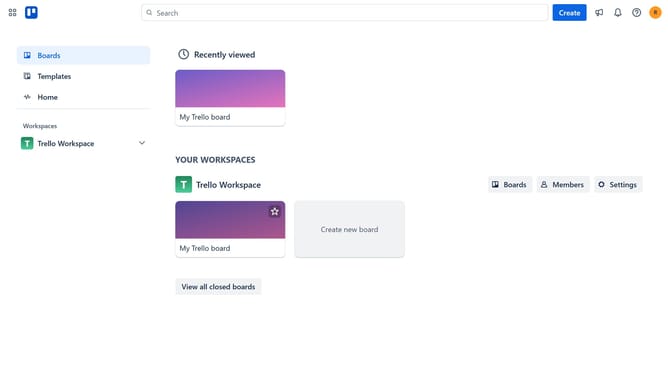
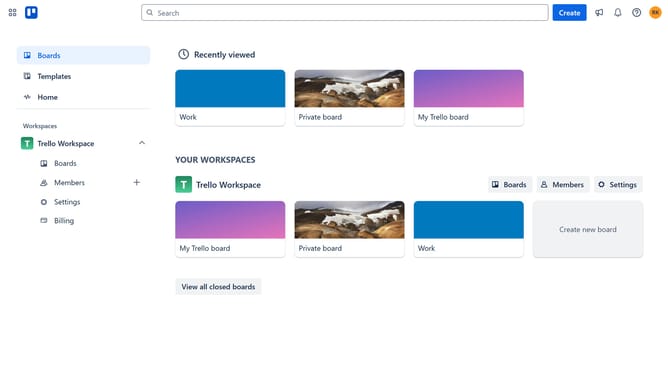
- First click on the "Boards" item in the left sidebar
- Then click a board title in the workspace section
- Next click on the "More" menu button (three dots) in the top-right corner of the board
- Then click on the "Power-Ups" option in the dropdown menu
- Next click on the "File management" category in the left sidebar of the Power-Ups window
- Then click on the "Add" button under the Export Attachments Power-Up
- Finally click on the "Add" button in the confirmation dialog to install the Export Attachments Power-Up
Why should you add export attachments power-up in Trello
Trello is a versatile project management tool designed to enhance productivity and streamline workflows.
The export attachments power-up in Trello allows users to easily download and store attachments from their boards. This feature aids in maintaining organized records and provides the flexibility to access necessary files offline.
Using this power-up ensures that crucial documents are always within reach, which can enhance collaborative efforts and safeguard project data.
Last update