How to add board permissions power-up in Trello
Here is how to add board permissions power-up in trello
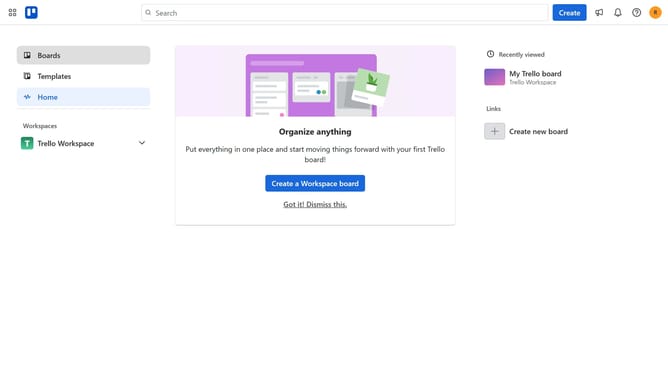
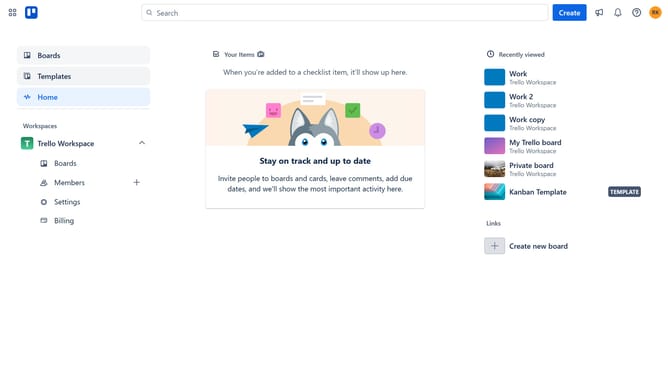
- First click on the "Boards" option in the left sidebar menu
- Then click on a board in the workspace section
- Next click on the "More" (three dots) menu button in the top-right corner of the board
- Then click on the "Power-Ups" option in the dropdown menu
- Next click on the "HR & operations" category in the left sidebar of the Power-Ups window
- Then click on the "Add" button under the Board Permissions Power-Up
- Finally click on the "Add" button in the confirmation dialog to install the Board Permissions Power-Up
Why should you add board permissions power-up in Trello
Trello is a versatile project management tool designed to organize tasks and streamline collaboration.
Adding the board permissions power-up in Trello allows you to effectively control who can access and edit your boards, enhancing security and workflow integrity.
This feature offers peace of mind by providing options to manage user roles and restrict access based on your team’s needs.
By granting tailored permissions, you ensure that sensitive information remains confidential and team members focus on their designated tasks.
Last update