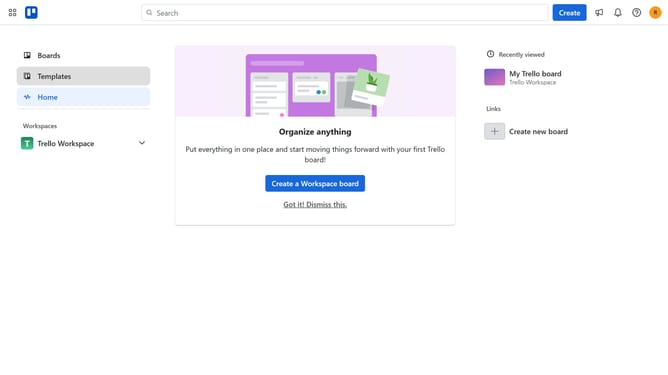
How to add infinityreports power-up in Trello
Here is how to add infinityreports power-up in trello
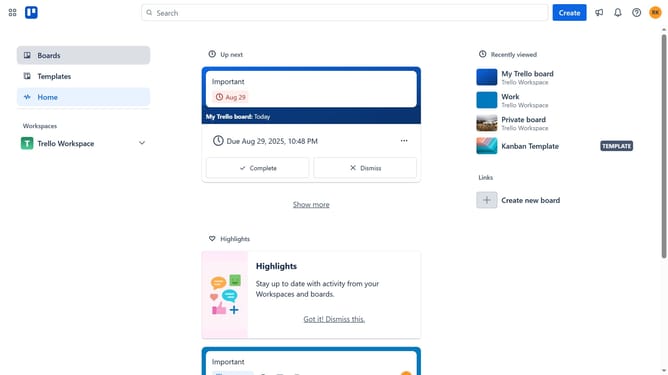
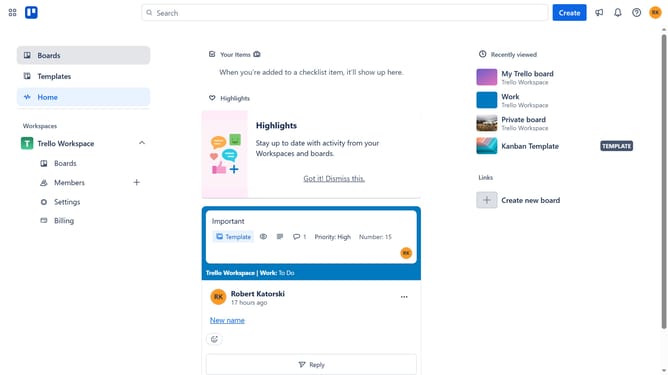
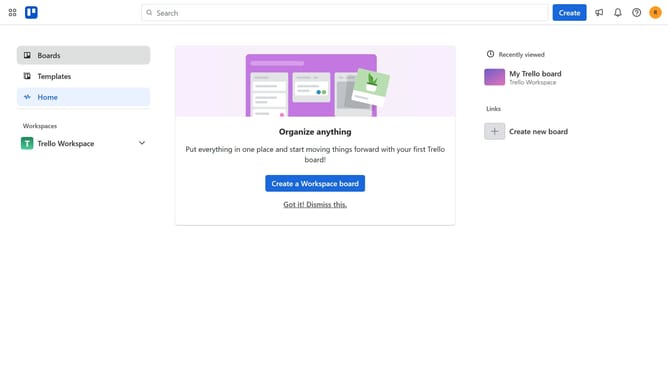
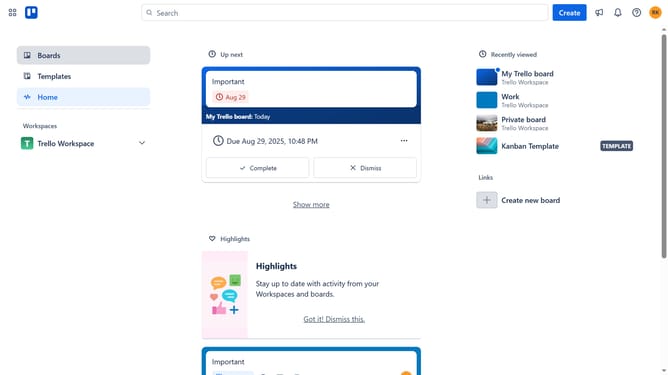
- First click on the "Boards" item in the left sidebar
- Then click a board in the workspace section
- Next click on the "More" menu button (three dots) in the top-right corner of the board
- Then scroll down in the menu settings
- In the opened menu, click on the "Power-Ups" option under Automation section
- Next click on "Automation" category in the left sidebar of Power-Ups window
- Then click the "Add" button under the "InfinityReports" Power-Up
- Finally click the "Add" button to install the InfinityReports Power-Up
Why should you add infinityreports power-up in Trello
Trello is a versatile tool designed for seamless task management and collaboration.
Adding the InfinityReports power-up to Trello enhances your experience by providing advanced reporting capabilities, helping you visualize project progress more effectively.
This feature transforms data into comprehensive insights, enabling you to make informed decisions without the hassle of manual report generation.
Using InfinityReports streamlines workflow analysis, empowering teams to stay on track and boost productivity effortlessly.
Last update