How to add card approvals power-up in Trello
Here is how to add card approvals power-up in trello
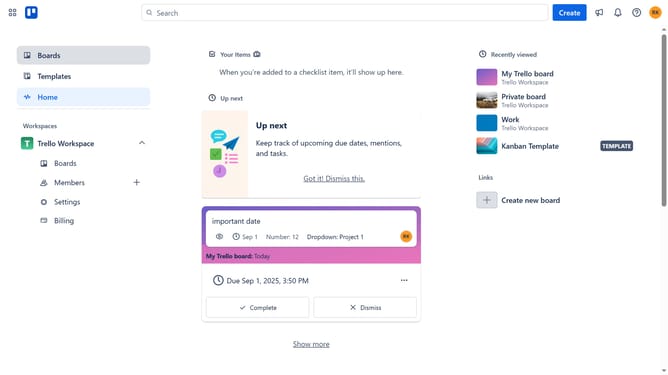
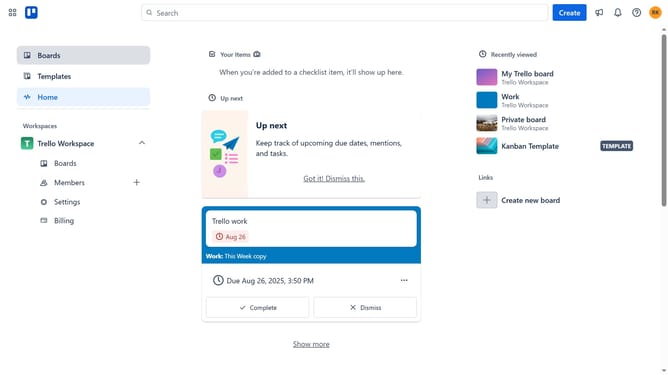
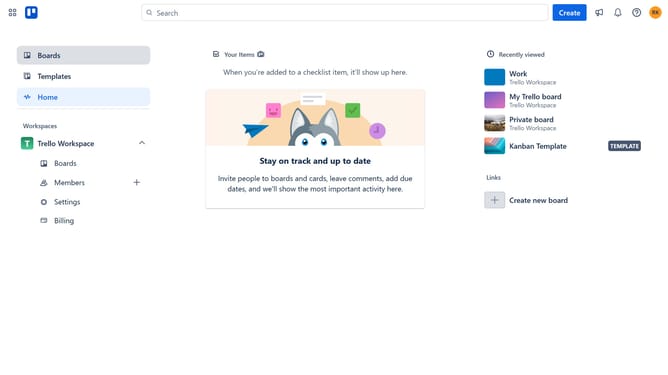
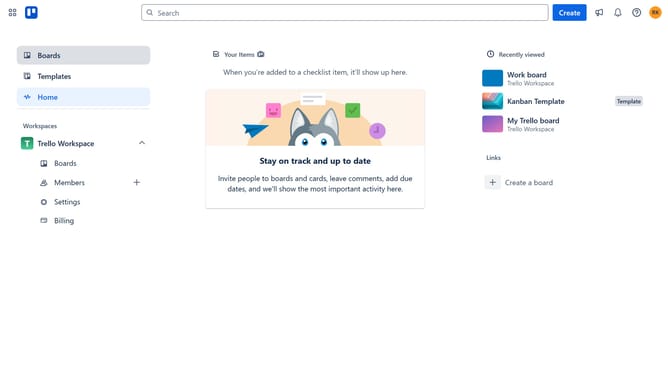
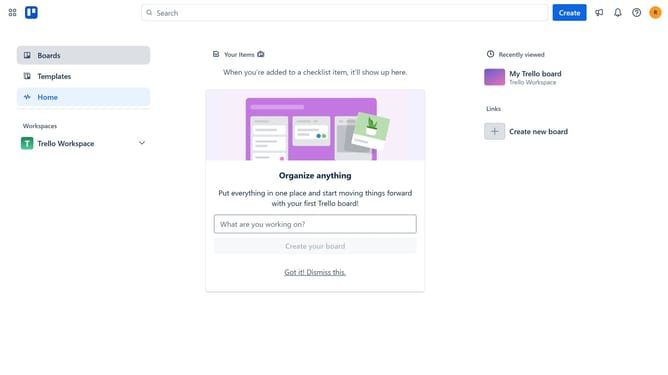
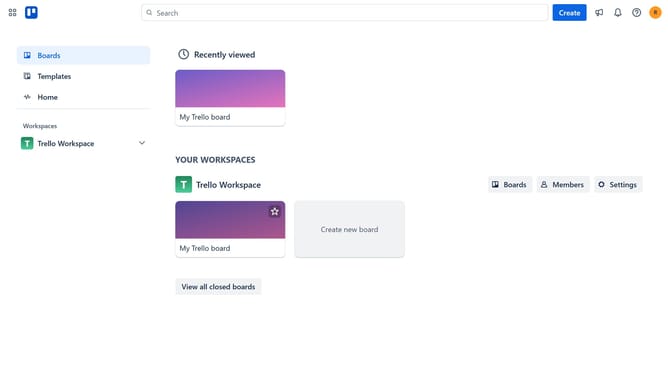
- First click on "Boards" option in the left sidebar
- Then click a board in the workspace section
- Click on the "Board" tab in the bottom navigation bar
- Next click on the "More" menu button (three dots) in the top-right corner
- Select "Power-Ups" option from the dropdown menu
- Click the "Add" button under the "Card Approvals - Tiny Power - Ups Club" power-up
- Finally click the "Add" button in the confirmation dialog to install it
Why should you add card approvals power-up in Trello
Trello is a versatile tool designed for organizing tasks and enhancing team collaboration.
The Card Approvals Power-Up in Trello introduces an efficient way to streamline decision-making processes within your workflow.
By integrating this feature, teams can assign cards for approval, ensuring that tasks are completed with the necessary review and validation.
This not only enhances accountability but also speeds up project timelines by reducing back-and-forth communications.
Last update