How to add critical value calculator power-up in Trello
Here is how to add critical value calculator power-up in trello
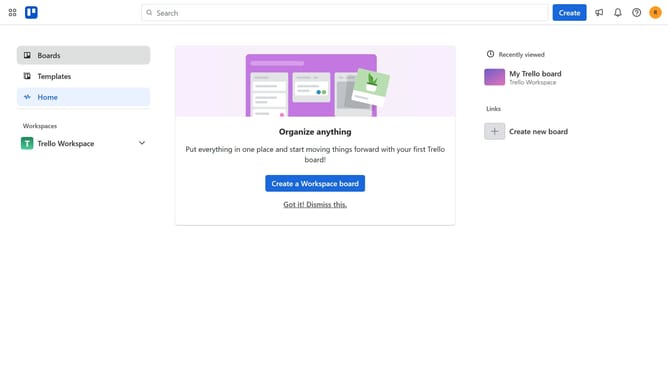
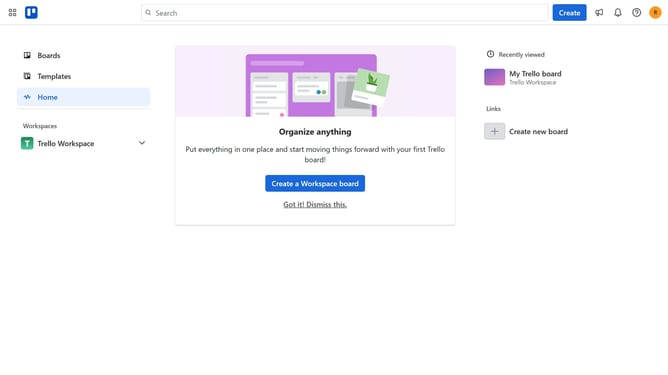
- First click on the "Boards" option in the left sidebar
- Then click a board in the workspace section
- Next click on the "..." (more options) menu button in the top-right corner of the board
- Then click on "Power-Ups" option in the dropdown menu
- Next click on "Analytics & reporting" category in the Power-Ups menu
- Then click on the "Add" button for the Critical Value Calculator power-up
- Finally click on the "Add" button in the confirmation dialog to install the power-up
Why should you add critical value calculator power-up in Trello
Trello is a dynamic tool designed to enhance productivity through organized task management.
Enhancing Trello with the Critical Value Calculator power-up brings a new level of efficiency to your workflow. It allows users to effortlessly prioritize tasks by calculating their importance and impact, leading to informed decision-making.
This feature is crucial for teams aiming to align tasks with business goals, ensuring that high-impact projects are given the attention they deserve. By integrating this power-up, you streamline processes and maximize output, crafting an environment of productivity and focus.
Last update