How to archive a list in Trello
Here is how to archive a list in trello
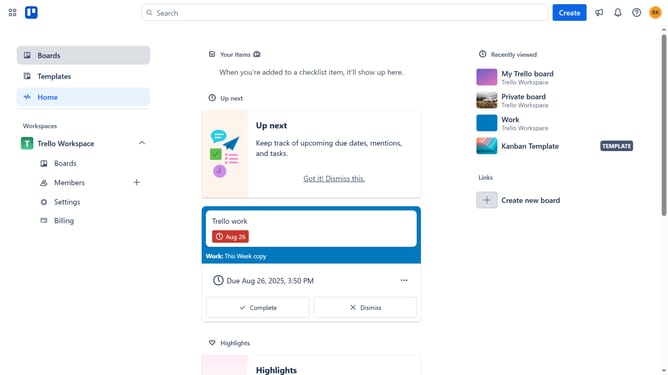
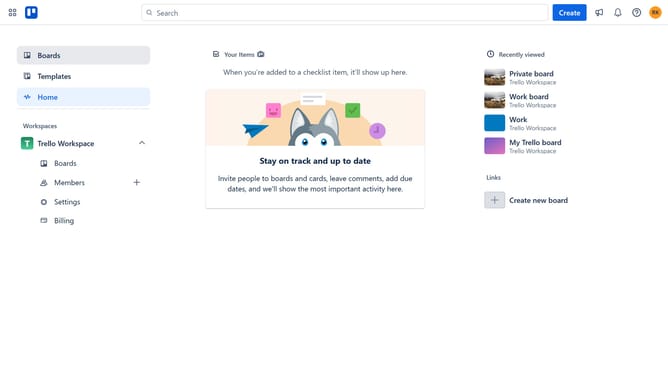
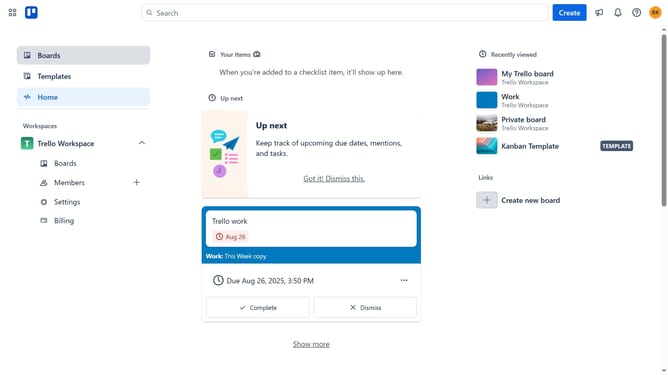
- First click on the "Boards" option in the left sidebar
- Then click on board in the workspace section
- Click on the list actions menu (three dots) in the top right of the list you want to archive
- Finally select "Archive this list" from the list actions menu
Why should you archive a list in Trello
Trello is a versatile project management tool that helps individuals and teams organize their tasks efficiently.
Archiving a list in Trello allows users to declutter their boards by storing completed tasks without permanently deleting them. This feature helps maintain a clean and organized workspace while making it easy to retrieve past information should the need arise.
Utilizing the archive function promotes focus and productivity as users can prioritize current tasks without distraction. This balance between clarity and accessibility is essential for seamless project management.
Last update