How to set email frequency to never in Trello
Here is how to set email frequency to never in trello
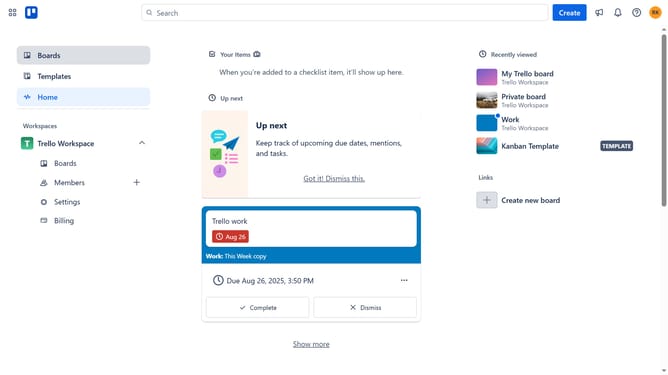
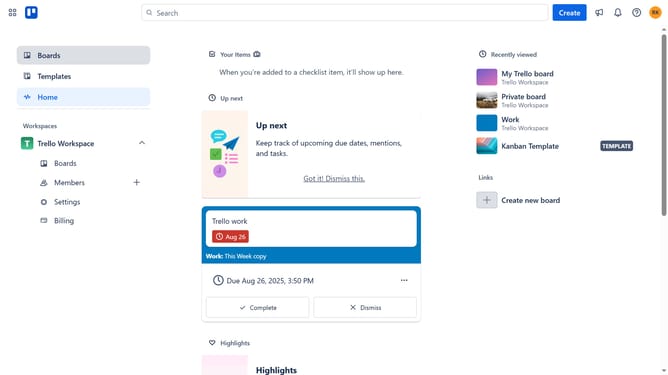
- First click on "Settings" in the workspace sidebar
- Then click on "Settings" in the personal settings menu on the left
- Next click on the frequency dropdown menu under Email notifications
- Finally select "Never" from the frequency dropdown options
Why should you set email frequency to never in Trello
Trello is a dynamic project management tool designed to streamline your workflow with simplicity and ease.
Adjusting your email frequency settings to never in Trello is a feature that enhances focus by minimizing distractions from incoming emails. This allows for uninterrupted work without the continuous influx of new notifications piling up in your inbox.
Turning off email notifications can significantly contribute to a clutter-free mind, enabling you to concentrate on essential tasks and boosting productivity.
Last update