How to add teams hub by kryl solutions power-up in Trello
Here is how to add teams hub by kryl solutions power-up in trello
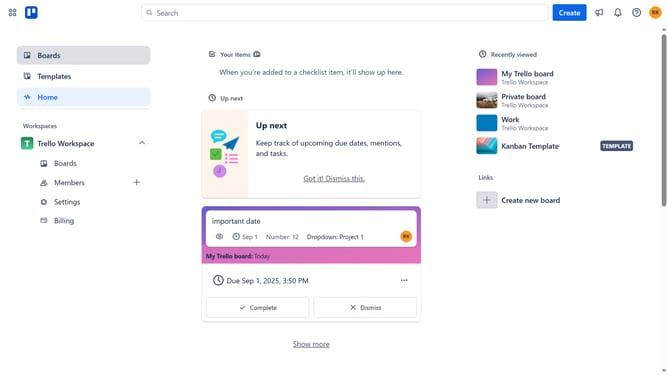
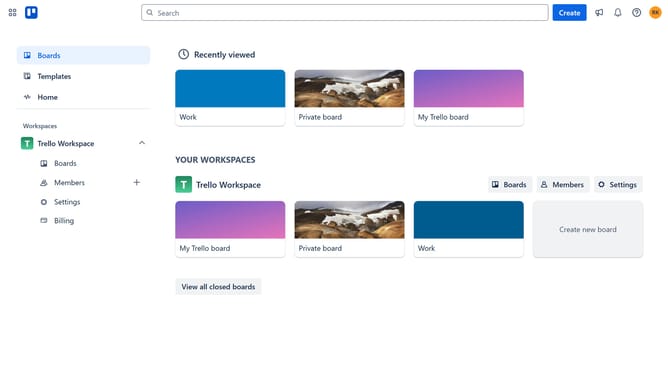
- First click on the "Boards" option in the left sidebar
- Then click a board in the workspace area
- Next click on the "More options" menu (three dots) in the top-right corner of the board
- Then select "Power-Ups" from the dropdown menu
- Click on the "Communication & collaboration" category in the left sidebar of the Power-Ups window
- Then scroll down in the communication & collaboration list
- Next click the "Add" button under the "Teams Hub by Kryl Solutions" power-up
- Finally click the "Add" button in the confirmation dialog to install the Teams Hub Power-Up
Why should you add teams hub by kryl solutions power-up in Trello
Trello is a dynamic tool designed to help teams organize tasks and streamline workflows beautifully.
The Teams Hub by Kryl Solutions power-up enhances Trello’s functionality by centralizing team management and collaboration efforts. This feature is invaluable for teams looking to optimize their productivity within Trello, as it allows interaction across different boards seamlessly.
By incorporating Teams Hub, users benefit from unified communication and improved coordination among team members, leading to more cohesive project management and smoother operations.
Last update