How to add one drive power-up in Trello
Here is how to add one drive power-up in trello
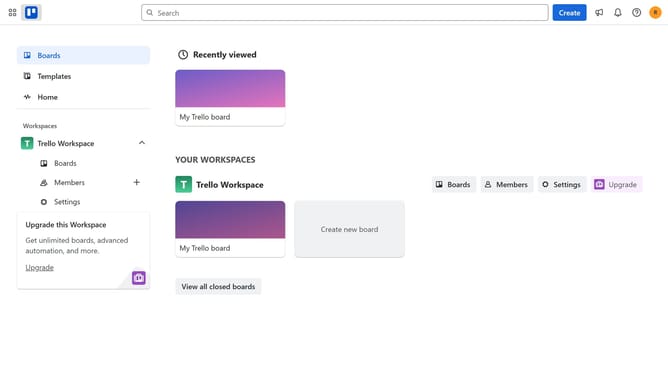
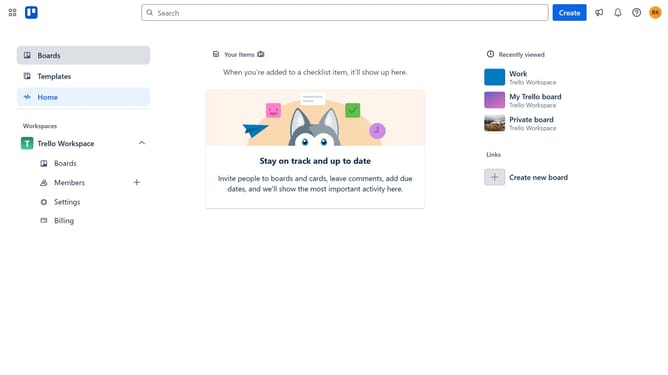
- First click on the "Boards" option in the left sidebar menu
- Then click a board in the workspace section
- Click on the menu icon (three dots) in the top-right corner of the board
- In the dropdown menu, select "Power-Ups" option
- Click on "Communication & collaboration" category in the left sidebar of the Power-Ups window
- Finally click on "Add" button under "OneDrive" Power-Up in the main content area to install it
Why should you add one drive power-up in Trello
Trello is your ultimate tool for organizing tasks and collaborating seamlessly with teams.
Integrating the OneDrive Power-Up in Trello offers a cohesive way to manage documents directly within your boards.
This feature allows you to access, link, and share your OneDrive files without leaving Trello, streamlining workflows and enhancing efficiency.
With this integration, team members can work closely together, ensuring that everyone stays on the same page and projects move forward smoothly.
Last update