How to add nextprevious power-up in Trello
Here is how to add nextprevious power-up in trello
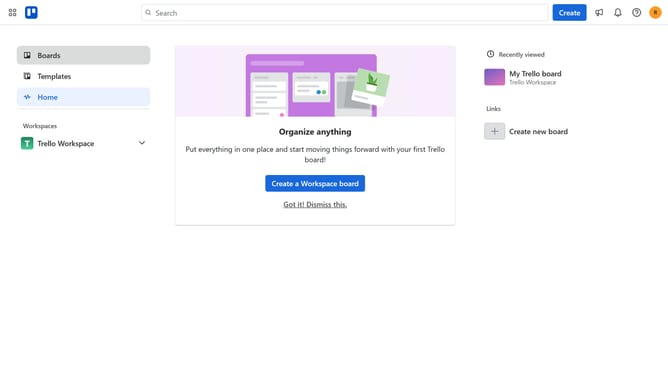
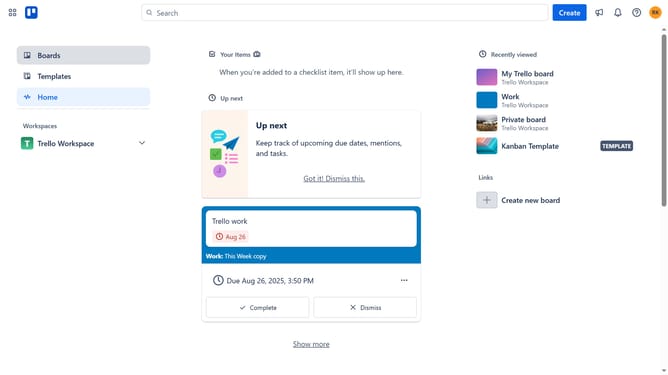
- First click on the "Boards" option in the left sidebar menu
- Then click a board in the workspace area
- Next click on the "More" menu button (three dots) in the top-right corner of the board
- Then click on the "Power-Ups" option in the dropdown menu
- In the Power-Ups menu, click on "Communication & collaboration" category in the left sidebar
- Then click on the "Add" button under the "NextPrevious" Power-Up tile
- Finally click the "Add" button in the Power-Up details dialog to install it
Why should you add nextprevious power-up in Trello
Trello is a versatile project management tool designed to help teams organize and prioritize tasks effortlessly.
Enhancing your Trello boards, the NextPrevious Power-Up allows for seamless navigation between cards, significantly improving workflow efficiency. By providing a straightforward way to move through tasks, it eliminates the need for extensive scrolling and searching.
This feature is particularly beneficial for teams dealing with large volumes of information, as it encourages a smoother operation and ensures no task goes overlooked. Embrace this capability to elevate your Trello experience.
Last update