How to add card delete power-up in Trello
Here is how to add card delete power-up in trello
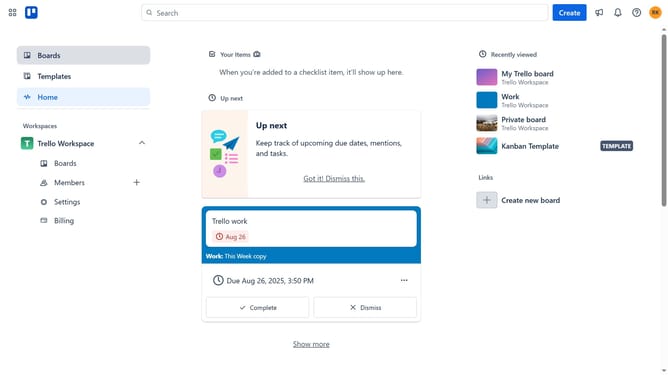
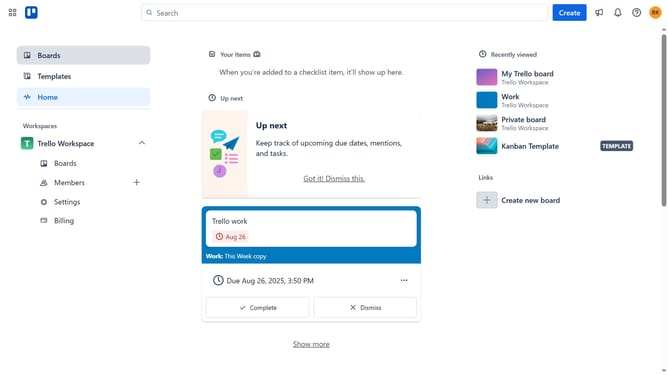
- First click on the "Boards" option in the left sidebar
- Then click a board in the workspace section
- Click on the "..." (more options) menu button in the top-right corner of the board
- Select "Power-Ups" option from the dropdown menu
- In the Power-Ups menu, click on the "Automation" category from the left sidebar
- Click the "Add" button under the "Card Delete" Power-Up
- Finally click the "Add" button in the confirmation dialog to install the Card Delete Power-Up
Why should you add card delete power-up in Trello
Trello is a versatile tool designed to optimize task management and enhance productivity effortlessly.
The card delete Power-Up in Trello allows users to eliminate unnecessary information with ease, ensuring that your boards remain tidy and efficient. By incorporating this feature, users can streamline their workload and focus on what truly matters.
Using the card delete feature helps prevent clutter, thus boosting team efficiency and collaboration. Keep your Trello boards neat and organized, enhancing both visual appeal and functionality for a more productive workflow.
Last update