How to add card mirror & card sync in Trello
Here is how to add card mirror & card sync in trello
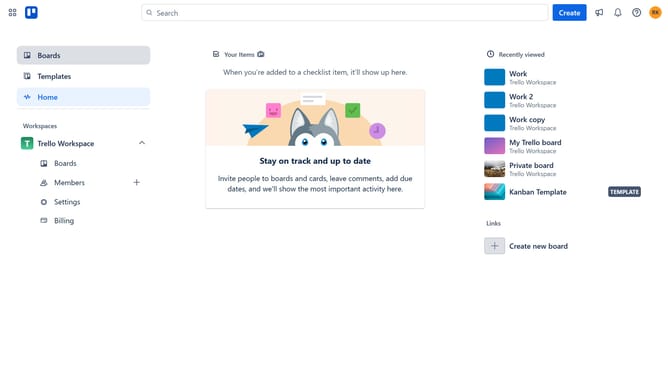
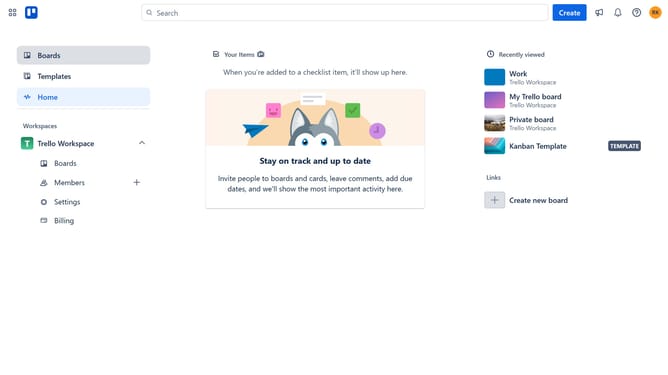
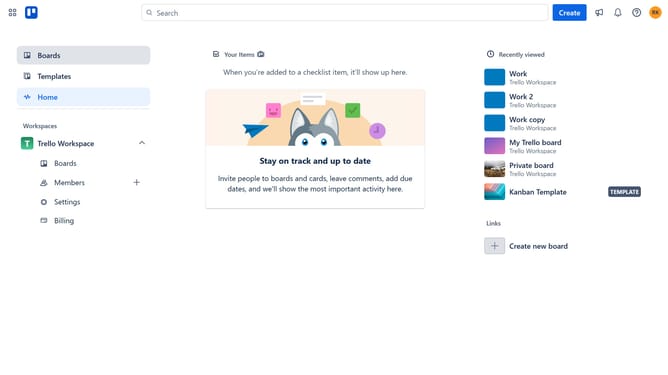
- First click on the "Boards" item in the left sidebar
- Then click a board in the workspace section
- Next click on the menu icon (three dots) in the top-right corner of the board
- Scroll down in the menu settings
- Click on the "Power-Ups" button in the dropdown menu
- Select the "Automation" category in the left sidebar of the Power-Ups window
- Click on "Add" button next to the "Card Mirror & Card Sync (2-Way)" power-up
- Finally click the "Add" button in the confirmation dialog to install the power-up
Why should you add card mirror & card sync in Trello
Trello is a dynamic project management tool that transforms task tracking into an intuitive, visual experience.
The card mirror and card sync features enhance collaboration by ensuring that all team members have access to the same, up-to-date information across boards.
Using these features fosters effective teamwork, reduces redundancy, and keeps everyone aligned on project goals.
Ultimately, card mirror and sync simplify workflows, saving time and increasing productivity.
Last update