How to add bank blender finance in Trello
Here is how to add bank blender finance in trello
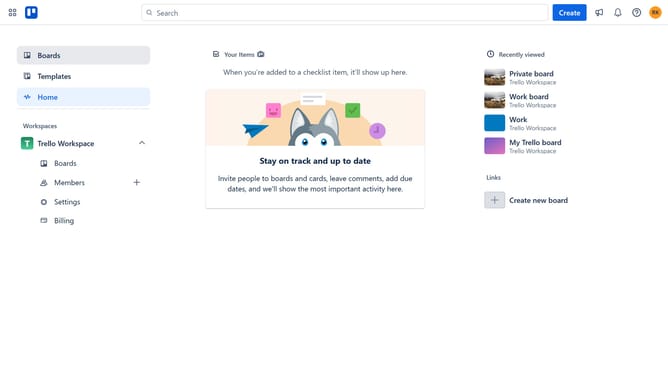
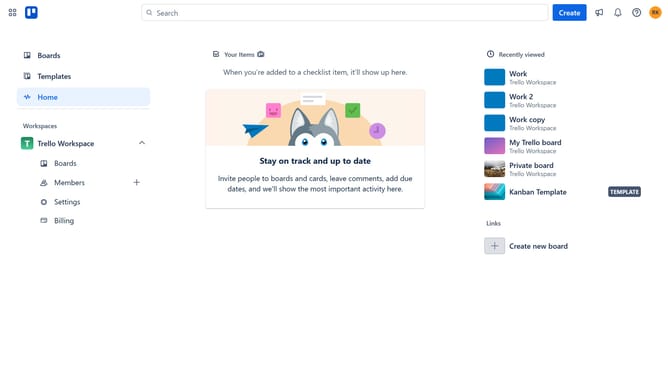
- First click on the "Boards" option in the left sidebar
- Then click a board in the workspace section
- Next click on the "More" menu button (three dots) in the top-right corner of the board
- Then select "Power-Ups" option from the dropdown menu
- Scroll down in the power-ups list
- Select "IT & project management" category from the left sidebar
- Click the "Add" button under the Bank Blender Finance Power-Up
- Finally click the "Add" button in the confirmation dialog to install the Power-Up
Why should you add bank blender finance in Trello
Trello is a dynamic tool that revolutionizes how teams visualize and manage projects effortlessly.
Integrating Bank Blender Finance into Trello enhances financial tracking, providing a streamlined approach to managing budgets and expenses directly within your project boards.
This feature amplifies transparency, allowing team members to monitor financial allocations and resources effectively. It also consolidates project and financial data, aiding in data-driven decision-making.
By having finance details at your fingertips, teams can operate more efficiently, focus on key project objectives, and reduce administrative burden.
Last update