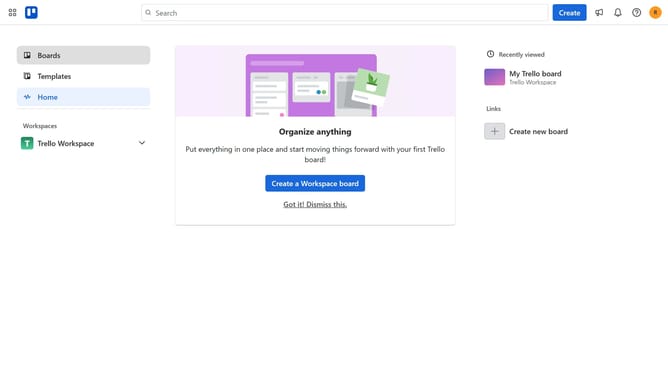
How to add ai project planner power-up in Trello
Here is how to add ai project planner power-up in trello
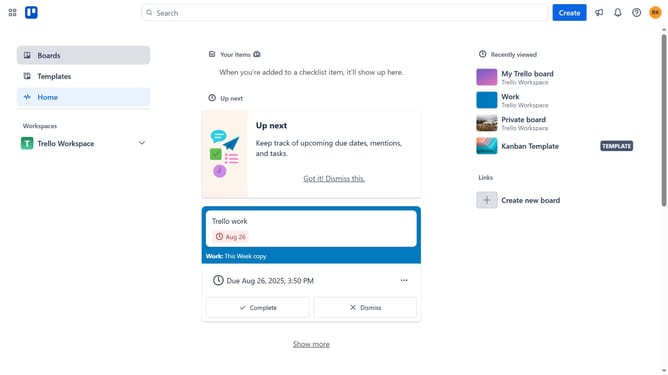
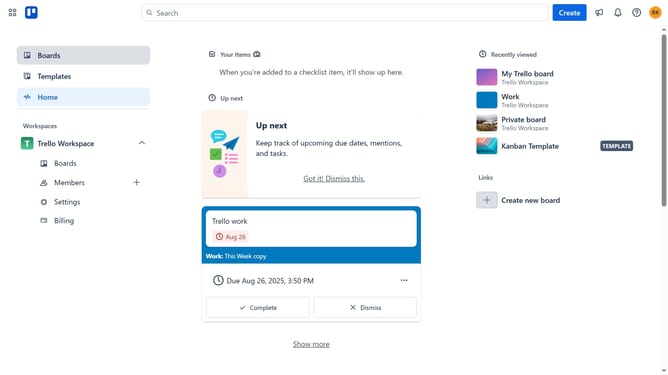
- First click on the "Boards" option in the left sidebar
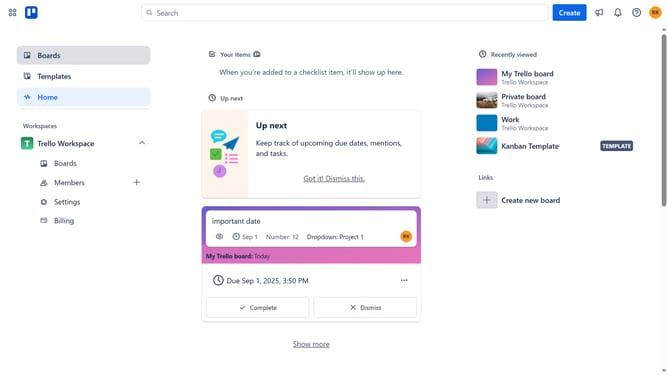
- Then click a board in the workspace section
- Next click on the three dots menu button in the top-right corner of the board
- Then click on "Power-Ups" option from the dropdown menu
- Next select the "Automation" category from the left sidebar
- Then click on "Add" button for the AI Project Planner power-up
- Finally click the "Add" button in the confirmation dialog to install the AI Project Planner
Why should you add ai project planner power-up in Trello
Trello is a versatile platform designed to simplify project management with its intuitive board system.
Integrating the AI Project Planner Power-Up into Trello elevates planning efficiency.
It leverages artificial intelligence to automate task scheduling and optimize resource allocation.
The benefits include streamlined workflows, predictive analytics for project timelines, and enhanced team collaboration.
Using this Power-Up transforms Trello into a smarter, more dynamic tool for handling complex projects.
Last update