How to add status page by hipporello in Trello
Here is how to add status page by hipporello in trello
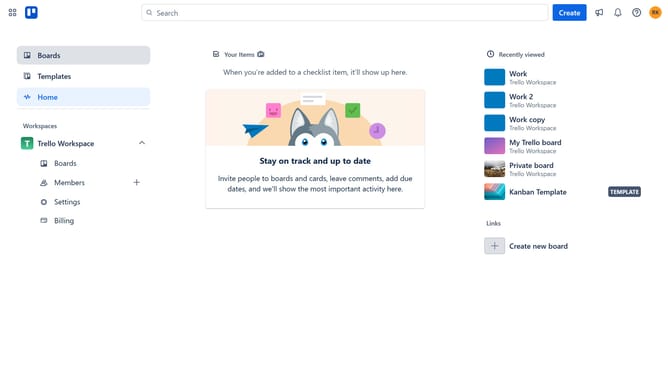
- First click on the "Boards" item in the left sidebar
- Then click a board in the workspace section
- Next click on the "More" button (three dots) in the top right corner of the board
- Then click on the "Power-Ups" option in the dropdown menu
- Next click on "Developer tools" category in the left sidebar of Power-Ups window
- Then scroll down to find "Status Page by Hipporello" Power-Up
- Click on the "Add" button under the Status Page by Hipporello
- Finally click the "Add" button in the confirmation dialog to install the Power-Up
Why should you add status page by hipporello in Trello
Trello is a versatile project management tool designed to streamline workflow and enhance collaboration.
Integrating Hipporello's status page feature into Trello offers a seamless way to communicate system statuses and updates transparently. This addition helps teams maintain clarity by providing real-time updates which are accessible to everyone involved.
Using this feature within Trello boosts efficiency and promotes trust by ensuring stakeholders are consistently informed, thereby fostering a more collaborative and coordinated environment.
Last update