How to add world clock power-up in Trello
Here is how to add world clock power-up in trello
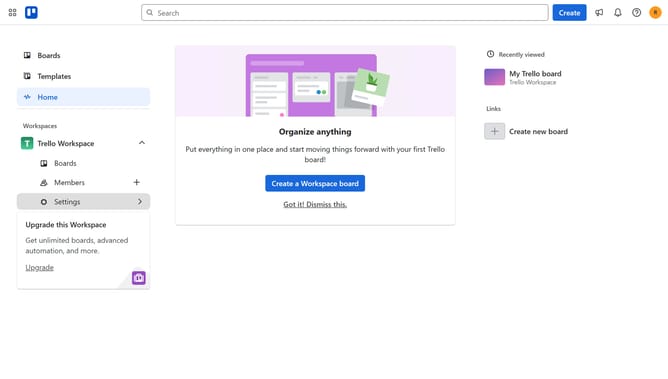
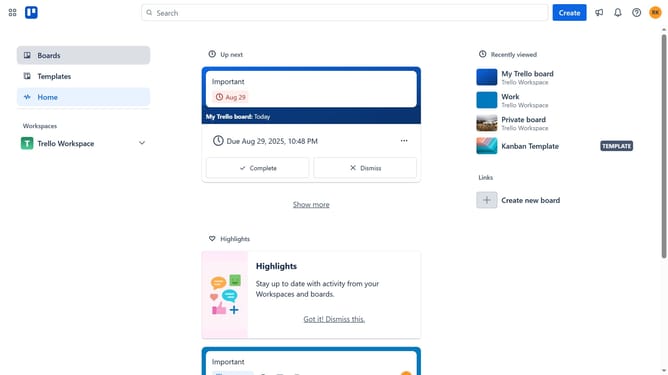
- First click on the "Boards" option in the left sidebar menu
- Then click a board in the workspace section
- Click on the "More" menu (three dots) button in the board header
- Select "Power-Ups" option from the dropdown menu
- Click on "Board utilities" category in the Power-Ups menu
- Scroll down in the board utilities list
- Click the "Add" button under the "World Clock" power-up
- Finally click the "Add" button in the details page to install the World Clock Power-Up
Why should you add world clock power-up in Trello
Trello is a versatile tool designed to streamline your project management with visually engaging boards.
Adding the World Clock power-up in Trello enhances your board by displaying the time in various global locations directly on your workspace.
This feature is particularly beneficial for teams working across different time zones, ensuring that planning and collaboration remain seamless.
Enhance your productivity and coordination by understanding timeframes at a glance, fostering effective communication within your team.
Last update