How to add egnyte power-up in Trello
Here is how to add egnyte power-up in trello
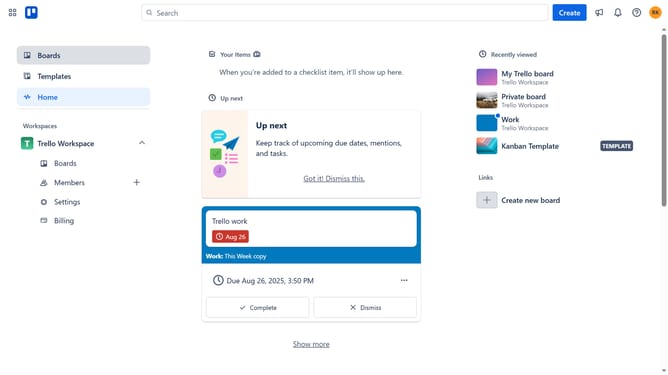
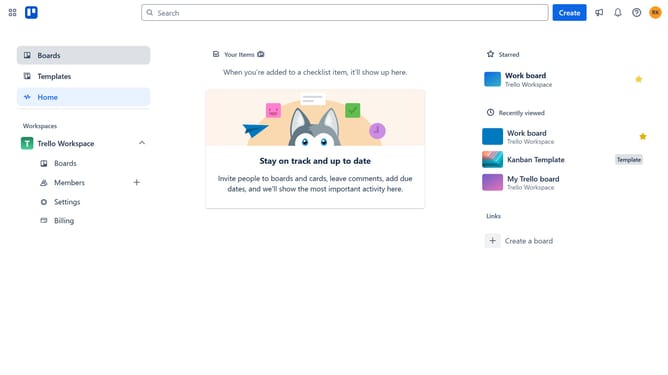
- First click on the "Boards" item in the left sidebar
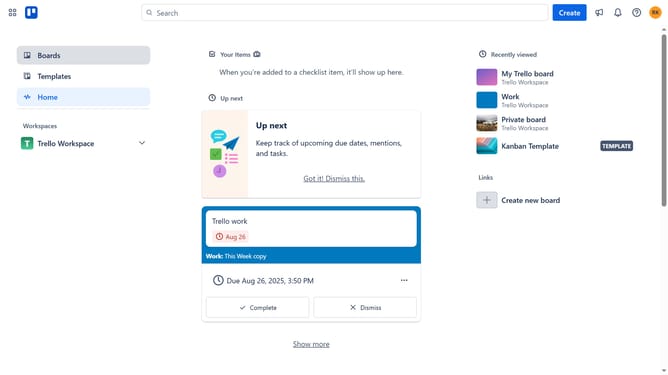
- Next click a board title in the workspace section
- Then click on the "More" menu button (three dots) in the top-right corner
- Next click on the "Power-Ups" option in the dropdown menu
- Then click on the "Communication & collaboration" category in the left sidebar
- Next click on the "Add" button under the "Egnyte" power-up
- Finally click on the "Add" button for the Egnyte Power-Up in the confirmation dialog to install it
Why should you add egnyte power-up in Trello
Trello is a dynamic project management tool that empowers teams to organize tasks visually and collaboratively.
Integrating the Egnyte Power-Up in Trello enhances file management by streamlining access to your documents directly from Trello cards. This seamless connection saves time and boosts productivity by reducing the need to switch between different platforms.
By using the Egnyte Power-Up, you can ensure that your team has the most up-to-date files, fostering better collaboration and decision-making. It's a convenient way to keep project resources centralized and easily accessible.
Last update