How to sort list by date created oldest first in Trello
Here is how to sort list by date created oldest first in trello
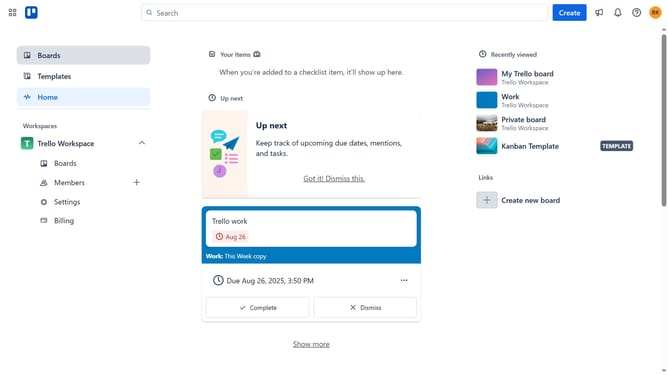
- First click on the "Boards" item in the left sidebar
- Then click a board in the workspace area
- Next click on the list options menu ("...") button of the header you want to sort
- Then click on "Sort by..." option in the list actions menu
- Finally select "Date created (oldest first)" option from the sort menu
Why should you sort list by date created oldest first in Trello
Trello is a versatile project management tool that helps streamline tasks and collaboration.
Sorting lists by the date created, oldest first, is a feature in Trello that organizes your tasks chronologically.
This feature is beneficial for tracking workflow, prioritizing older tasks, and ensuring that nothing important falls through the cracks.
By sorting tasks from oldest to newest, teams can maintain a seamless order in their projects and efficiently manage their progress over time.
Last update