How to add show fields on card front power-up in Trello
Here is how to add show fields on card front power-up in trello
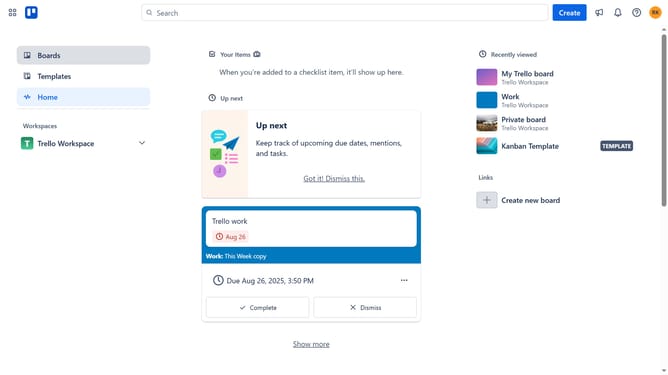
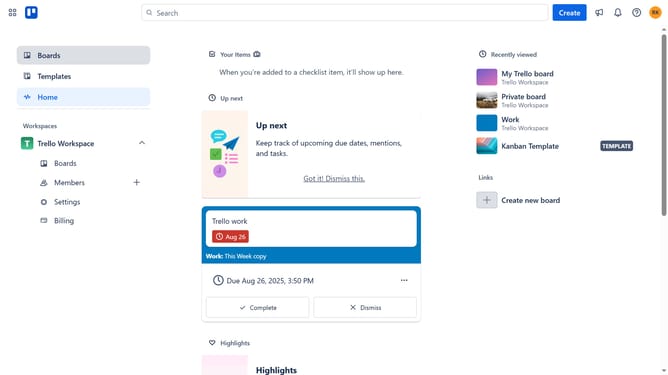
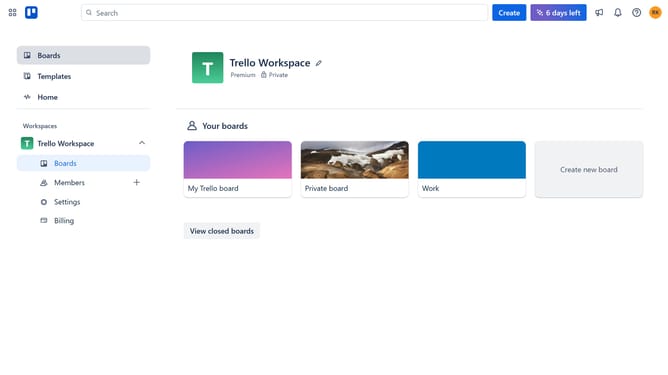
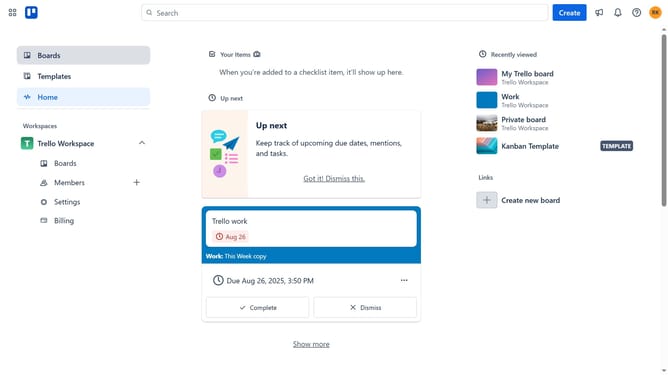
- First click on the "Boards" option in the left sidebar
- Then click a board in the workspace area
- Next click on the "more options" (three dots) button in the top right corner
- Then click on "Power-Ups" option in the dropdown menu
- Next click on "File management" category in the left sidebar of Power-Ups window
- Then click on "Add" button under "Show fields on card front - Tiny Power-Ups Club"
- Finally click on the "Add" button in the confirmation dialog to install the Power-Up
Why should you add show fields on card front power-up in Trello
Trello is a dynamic productivity tool that simplifies project management by organizing tasks into boards, lists, and cards.
The "Show Fields on Card Front" Power-Up is a valuable feature that allows users to customize which fields appear on the front of Trello cards.
This feature enhances visibility and accessibility by allowing key information to be displayed at a glance, improving efficiency and reducing the need to click into each card.
By streamlining workflow and facilitating quicker decision-making, this Power-Up is an essential asset for effective task management.
Last update