How to add scrum poker power-up in Trello
Here is how to add scrum poker power-up in trello
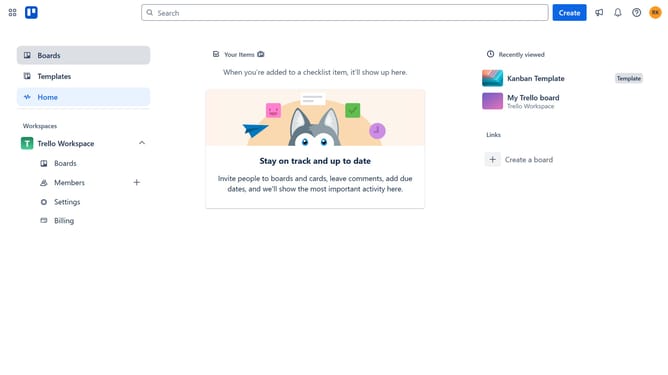
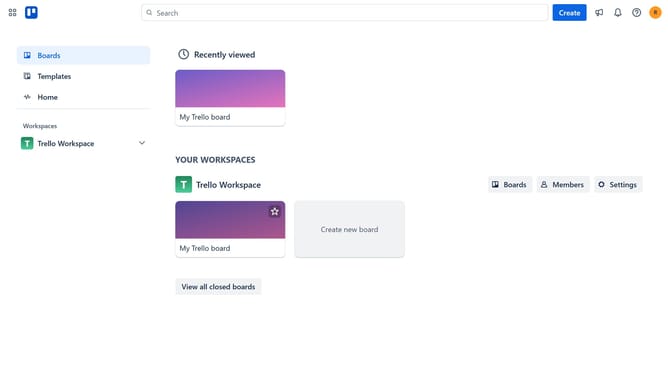
- First click on the "Boards" option in the left sidebar
- Then click a board in the workspace section
- Click on the "More" menu button (three dots) in the top right corner of the board
- Select "Power-Ups" option from the dropdown menu
- Click on "Developer tools" category in the left sidebar of the Power-Ups window
- Click on "Add" button under the Scrum Poker power-up
- Finally click the "Add" button in the confirmation dialog to install the Scrum Poker power-up
Why should you add scrum poker power-up in Trello
Trello is a versatile project management tool known for its user-friendly boards and card systems.
By adding the scrum poker power-up in Trello, teams can effortlessly integrate estimation into their workflow. Scrum poker enhances team collaboration by turning complex project estimations into a fun and interactive process.
This feature allows team members to assign effort points to tasks, promoting a clearer understanding of project requirements. Ultimately, this leads to more accurate planning and improved teamwork.
Last update