How to add comment on image in Trello
Here is how to add comment on image in trello
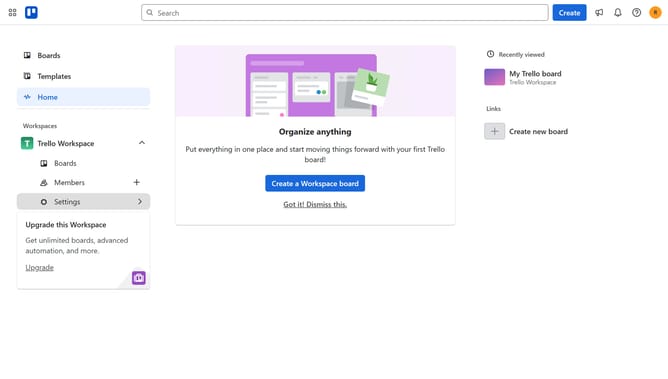
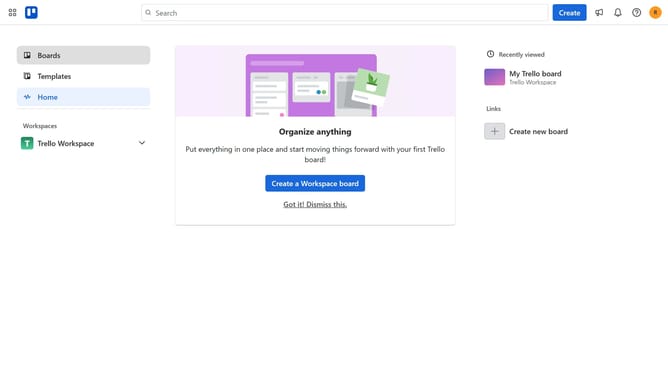
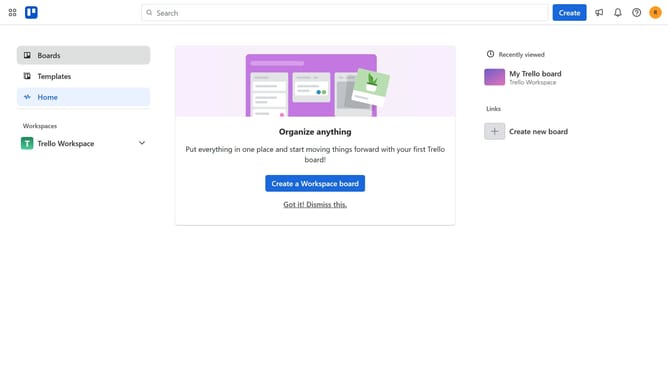
- First click on the "Boards" option in the left sidebar
- Then click a board in the workspace section
- Click on the "More" menu (three dots) button in the top-right corner of the board
- Select "Power-Ups" from the dropdown menu
- Click on "Board utilities" category in the Power-Ups menu
- Click on the "Add" button under the "Comment On Image" Power-Up to view its details
- Finally click the "Add" button to install the Comment On Image Power-Up
Why should you add comment on image in Trello
Trello is a dynamic project management tool that helps teams coordinate and streamline their workflow.
Adding comments on images within Trello allows teams to collaborate more effectively by directly addressing specific visuals on tasks.
This feature enhances clarity and communication, making it easy to give context or provide feedback without cluttering the main task details.
By integrating comments on images, teams can ensure everyone is aligned, reducing misunderstandings and fostering a more productive work environment.
Last update