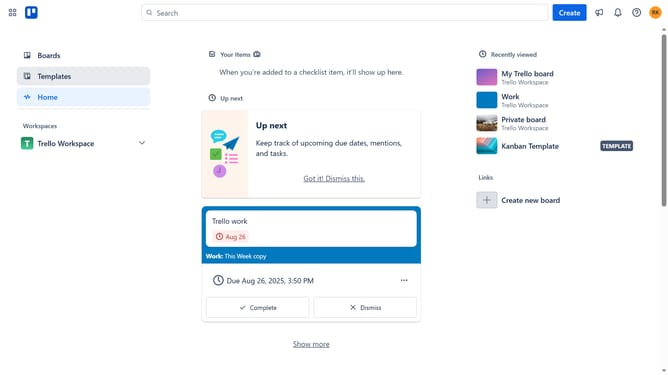
How to add bookmarks power-up in Trello
Here is how to add bookmarks power-up in trello
- First click on the "Boards" item in the left sidebar
- Then click a board in the workspace section
- Next click on the "More" menu button (three dots) in the board header
- Then click on "Power-Ups" option in the board menu
- Next select "Board utilities" category from the Power-Ups menu
- Then click on "Add" button next to "Bookmarks - Tiny Power-Ups Club" power-up
- Finally click on "Add" button in the confirmation dialog to install the power-up
Why should you add bookmarks power-up in Trello
Trello is a visual collaboration tool used to organize tasks and projects seamlessly.
Adding the bookmarks power-up in Trello enhances your ability to quickly access essential links and resources directly from your Trello boards.
This feature allows you to keep relevant web pages, articles, and documents at your fingertips, saving time and boosting efficiency.
Utilizing the bookmarks power-up ensures that all team members stay on the same page, facilitating smoother workflows and more productive collaboration.
Last update