How to rename a list in Trello
Here is how to rename a list in trello
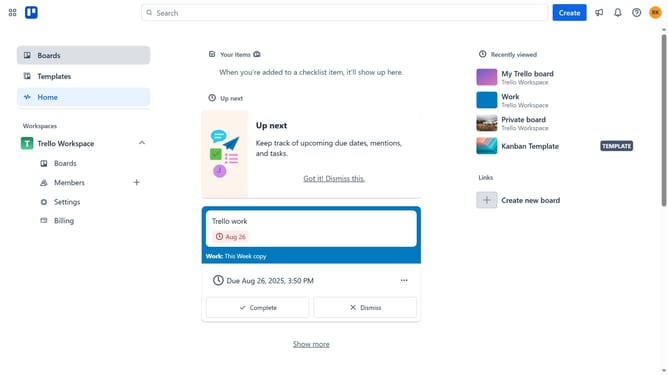
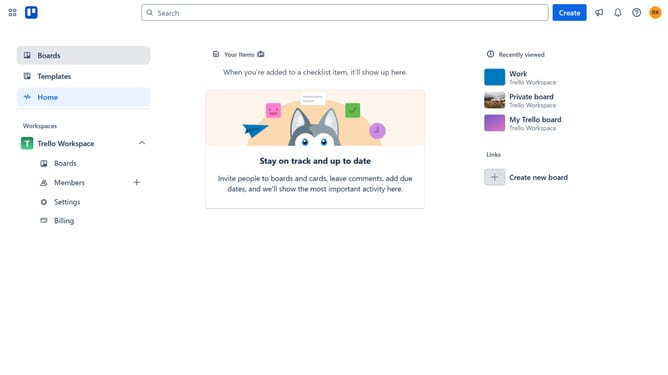
- First click on the "Boards" option in the left sidebar menu
- Then click a card in the workspace section
- Next click on the list title you want to rename in the board view and delete the current name
- Then click inside the list title field and type the new name for the list
- Finally hit "Enter" on your keyboard or click an empty space outside the title field to save the new name
Why should you rename a list in Trello
Trello is a versatile project management tool that helps individuals and teams stay organized and productive.
Renaming a list in Trello is a simple yet powerful feature that enhances customization and clarity in project workflows. With this feature, users can easily update list titles to better reflect the tasks or priorities they represent.
This ability to rename lists ensures that as projects evolve, the structure within Trello can adapt seamlessly, encouraging both clarity and focus.
Overall, this feature aids in maintaining an organized and efficient environment, promoting effective project management.
Last update