How to add marker.io power-up in Trello
Here is how to add marker.io power-up in trello
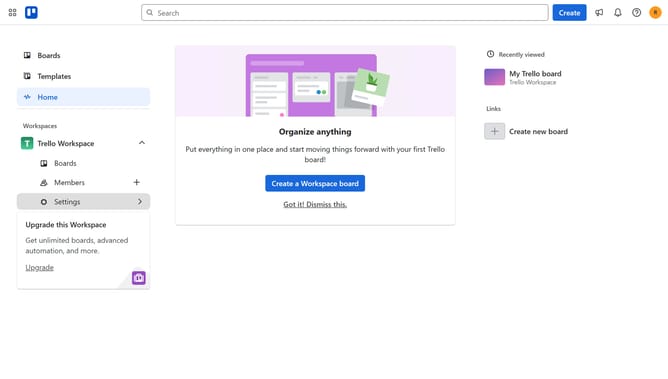
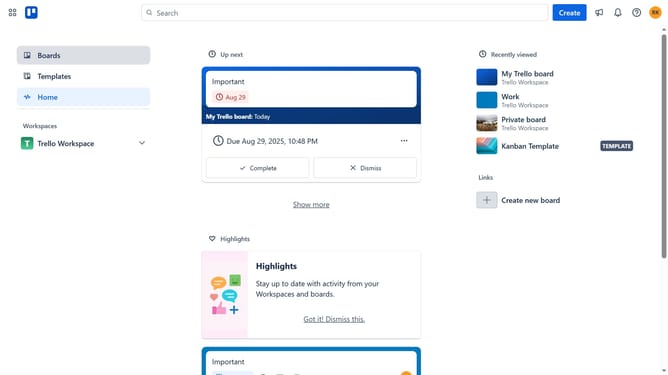
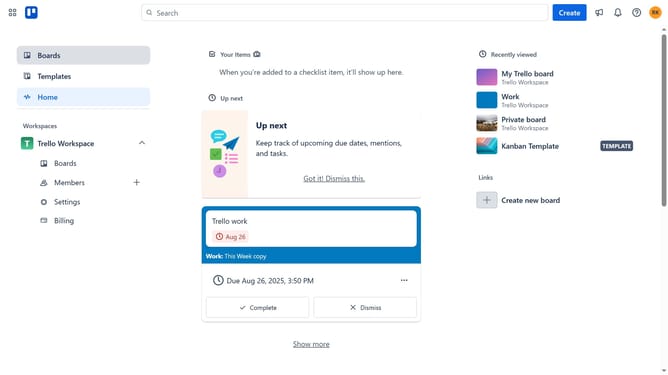
- First click on the "Boards" item in the left sidebar
- Then click a board in the workspace section
- Click on the "More" menu button (three dots) in the top-right corner of the board
- Select "Power-Ups" option from the dropdown menu
- Scroll down in the power-ups menu
- Click on the "Product & design" category in the left sidebar
- Scroll down in the Product & design menu
- Click the "Add" button under the Marker.io power-up
- Finally click the "Add" button in the confirmation dialog to install the Power-Up
Why should you add marker.io power-up in Trello
Trello is a powerful, intuitive tool designed to streamline project management and collaboration.
Enhancing Trello with the Marker.io power-up seamlessly integrates visual feedback into your workflow. This power-up allows team members to effortlessly capture and share screenshots with annotations, directly attaching them to Trello cards.
Using Marker.io enhances communication by providing clarity on visual elements and reducing misinterpretations, ensuring tasks are accurately completed. By integrating Marker.io, teams can boost productivity and keep projects on track with clear visual guidance.
Last update