How to add private hidynotes power-up in Trello
Here is how to add private hidynotes power-up in trello
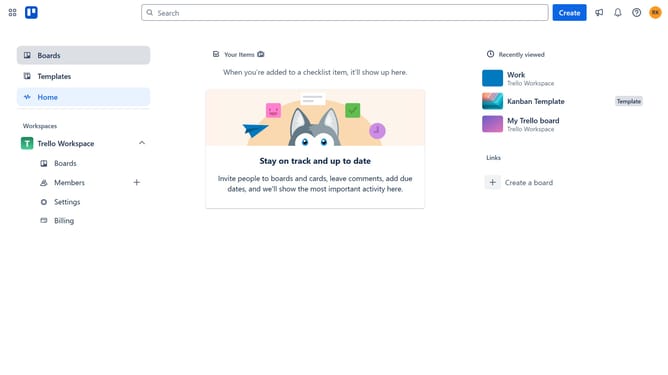
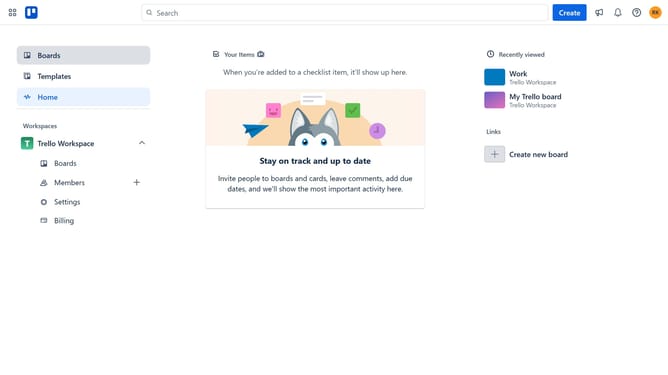
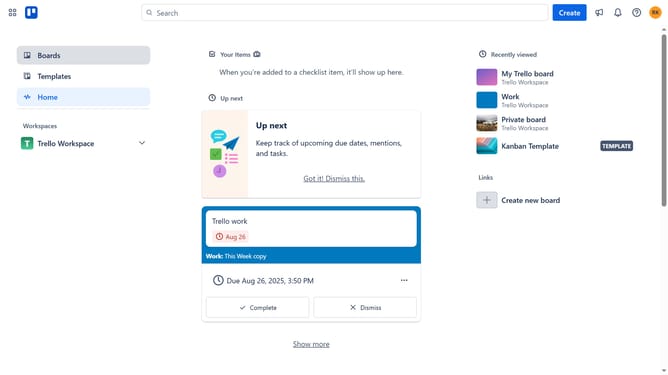
- First click on the "My Trello board" tile in the workspace section
- Then click on the "More options" button (three dots) in the board header
- Next click on the "Power-Ups" option in the dropdown menu
- Then select "Communication & collaboration" category from the sidebar
- Next click on the scroll button to see more Power-Ups
- Then click the "Add" button under the "Private Hidynotes" Power-Up
- Finally click the "Add" button in the confirmation dialog to install the Power-Up
Why should you add private hidynotes power-up in Trello
Trello is a dynamic tool designed to streamline project management through intuitive boards and lists.
The Hidynotes power-up for Trello enhances privacy by allowing you to attach personal notes to your boards that only you can see.
This feature is especially beneficial for organizing thoughts, tracking private comments, or logging ideas without cluttering the shared board view.
By integrating Hidynotes, users enjoy a seamless experience of maintaining personal insights alongside collaborative tasks, promoting better productivity and focus.
Last update