How to add undo power-up in Trello
Here is how to add undo power-up in trello
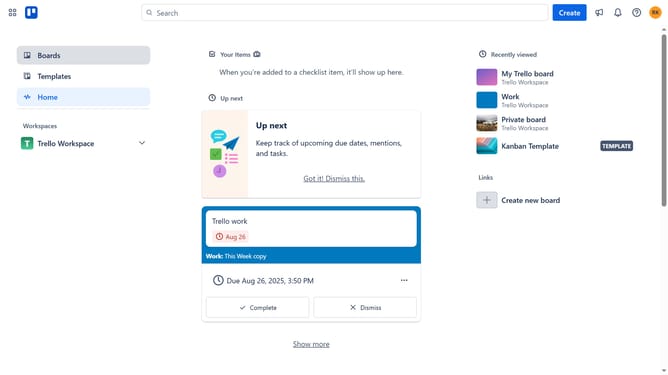
- First click on "Boards" in the left sidebar menu
- Then click a board in the workspace section
- Next click on the "More options" (three dots) button in the top-right corner of the board
- Then click on "Power-Ups" option in the dropdown menu
- Next click on "HR & operations" category in the left sidebar of Power-Ups window
- Then click the "Add" button under the "Undo for Trello" power-up tile
- Finally click the "Add" button in the Undo for Trello confirmation dialog to install it
Why should you add undo power-up in Trello
Trello is a dynamic project management tool designed to boost productivity and streamline collaboration.
To enhance your Trello experience, consider adding the undo power-up, a feature that allows you to reverse accidental actions seamlessly.
This power-up provides peace of mind, ensuring that any unintended changes are swiftly corrected, fostering a smoother workflow.
Leveraging the undo power-up means more focus on meaningful work and less stress over potential errors, ultimately leading to increased efficiency and confidence in task management.
Last update