How to add mind map & flow chart in Trello
Here is how to add mind map & flow chart in trello
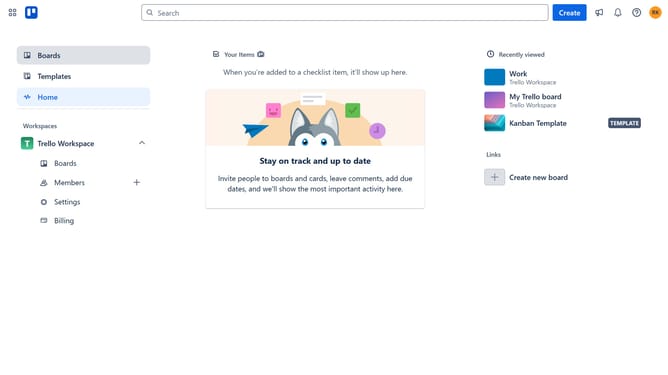
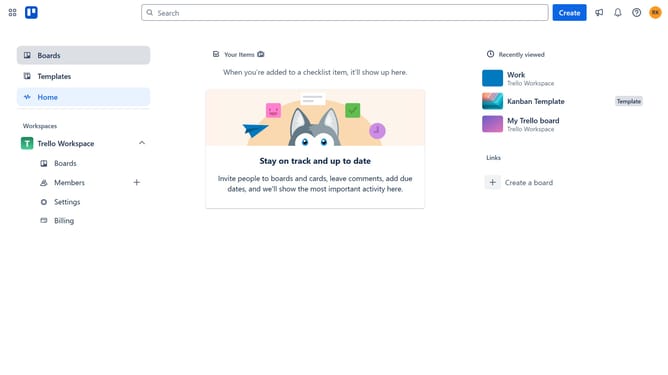
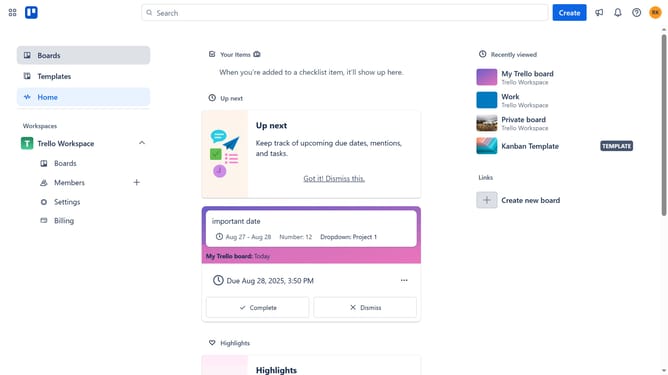
- First click on the "Boards" option in the left sidebar
- Then click a board in the workspace section
- Next click on the "More" menu button (three dots) in the top-right corner of the board
- In the dropdown menu, click on the "Power-Ups" option
- Then select the "Communication & collaboration" category from the left sidebar
- Click on the "Add" button under the "Mind Map & Flow Chart" power-up card
- Finally click the "Add" button in the power-up details dialog to install it
Why should you add mind map & flow chart in Trello
Trello is a dynamic project management tool designed to boost productivity and organization.
Integrating mind maps and flow charts into Trello enhances your ability to visualize ideas and streamline processes. Mind maps in Trello allow you to brainstorm and connect concepts, fostering creativity and clarity.
Flow charts help in mapping workflows and systematic planning, promoting efficiency and teamwork. By incorporating these features, Trello users can enhance collaborative efforts and optimize their project management experience.
Last update