How to add cronofy power-up in Trello
Here is how to add cronofy power-up in trello
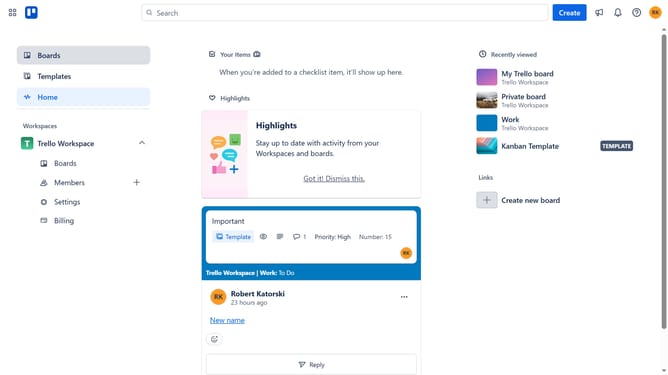
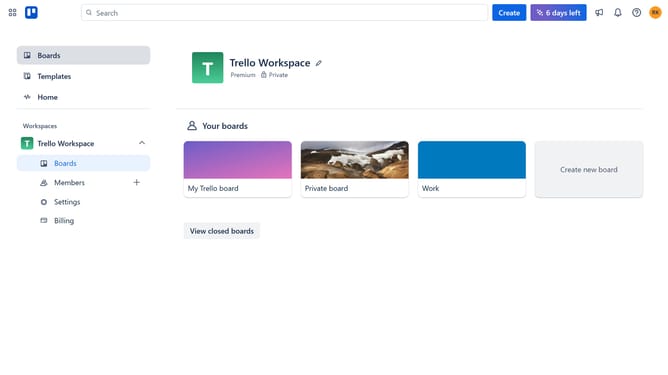
- First click on the "Boards" item in the left sidebar
- Then click a board in the workspace section
- In the board view, click the "..." (more) button in the top-right corner
- Select "Power-Ups" from the dropdown menu
- In the Power-Ups window, click on the "Automation" category in the left sidebar
- Scroll down and locate the "Cronofy" Power-Up
- Click the "Add" button under the Cronofy power-up
- Finally, click the "Add" button in the confirmation dialog to install the Cronofy Power-Up
Why should you add cronofy power-up in Trello
Trello is a versatile project management tool designed to boost productivity and streamline workflows.
Integrating the Cronofy Power-Up into Trello enhances its capability by syncing your Trello boards with calendar events, optimizing time management.
This feature allows users to seamlessly align tasks with their schedules, ensuring efficient task prioritization and preventing important deadlines from slipping through the cracks.
By bridging the gap between task management and calendar planning, the Cronofy Power-Up empowers users to maintain control over their time, promoting a more organized and productive workflow.
Last update