How to add itero motivation engine in Trello
Here is how to add itero motivation engine in trello
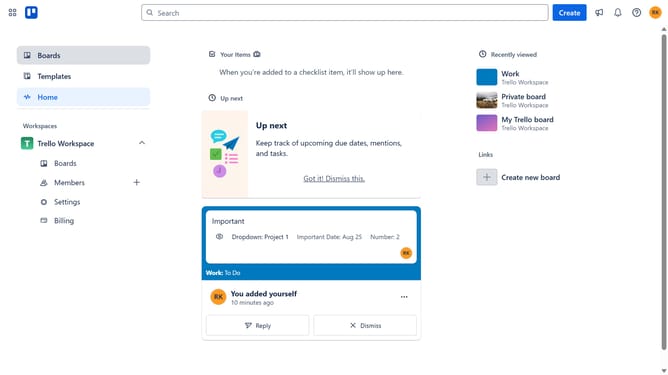
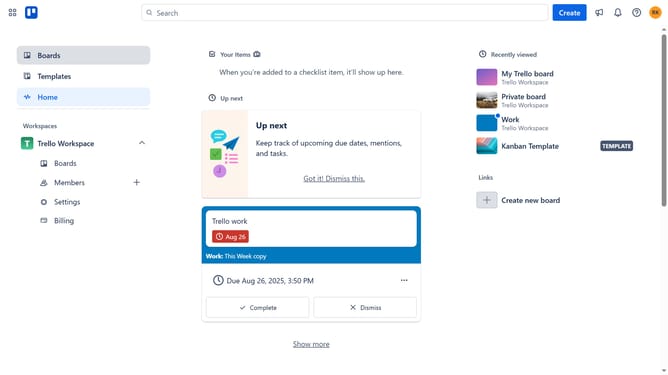
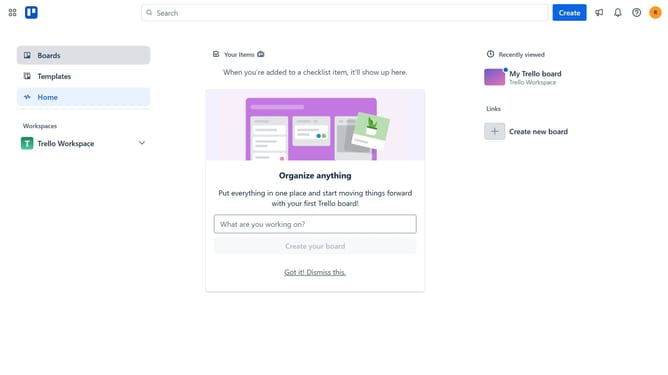
- First click on the "Boards" option in the left sidebar menu
- Then click a board in the workspace section
- Next click the "more options" (three dots) button in the top-right corner of the board
- Then select "Power-Ups" from the dropdown menu
- In the Power-Ups menu, click the "Communication & collaboration" category in the left sidebar
- Then click on the "Add" button under the "Itero Motivation Engine" Power-Up card
- Finally click the "Add" button in the Power-Up details dialog to install it
Why should you add itero motivation engine in Trello
Trello is a dynamic tool designed to streamline team collaboration and project management with its intuitive board system.
Incorporating the Itero Motivation Engine into Trello enriches this collaboration experience by seamlessly boosting productivity and engagement among team members.
This integration provides an innovative approach to maintaining motivation, offering a clear overview of progress and fostering a sense of accomplishment.
By leveraging these features, teams can experience enhanced focus and achieve strategic goals more effectively.
Last update