How to leave card in Trello
Here is how to leave card in trello
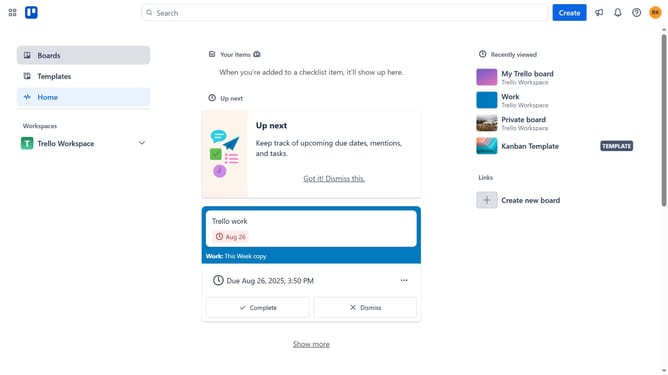
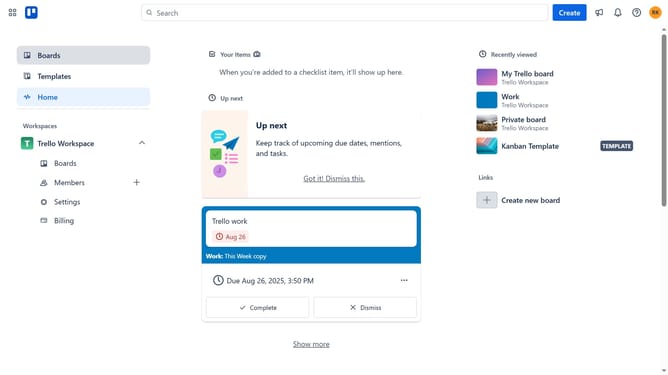
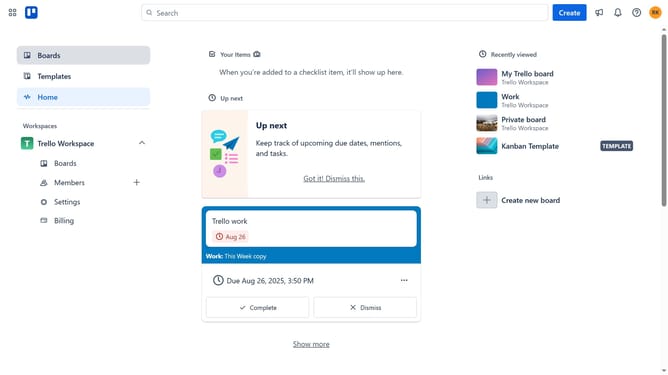
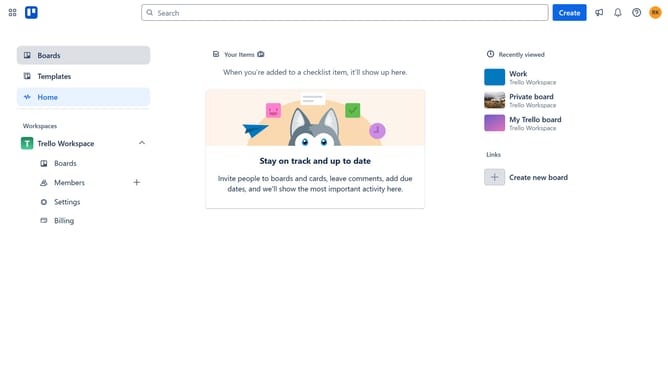
- First click on the "Boards" option in the left sidebar
- Then click on the board in the workspace section that contains the card you want to leave
- Next click on the card you want to leave
- Then click on the three dots icon located at the top right corner of the card details panel
- Finally click on the "Leave" option in the card's menu dropdown
Why should you leave card in Trello
Trello is a versatile project management tool that simplifies collaboration through visually organized boards and cards.
The ability to leave a card in Trello enhances user experience by allowing team members to gracefully disengage from projects they no longer need to be involved in.
This feature ensures boards remain relevant and focused, empowering teams to keep their workflow clutter-free and efficiently organized.
Overall, leaving a card when necessary helps maintain a streamlined and user-centric workspace, boosting productivity and focus.
Last update