How to add onlyoffice power-up in Trello
Here is how to add onlyoffice power-up in trello
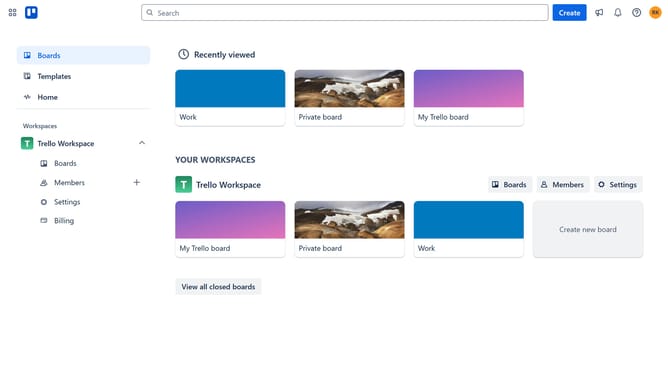
- First click on the "Boards" option in the left sidebar
- Then click a board in the workspace section
- Click on the "More" menu (three dots) button in the board header
- Select "Power-Ups" option from the dropdown menu
- Click on "Communication & collaboration" category in the left sidebar of Power-Ups window
- Click on the "Add" button next to ONLYOFFICE power-up
- Finally click the blue "Add" button in the confirmation dialog to install the ONLYOFFICE power-up
Why should you add onlyoffice power-up in Trello
Trello is a versatile project management tool designed to streamline workflow and enhance team collaboration.
Integrating the ONLYOFFICE Power-Up into Trello enriches your boards by enabling seamless document editing. This means you can create, view, and edit text documents, spreadsheets, and presentations directly within Trello.
Adding ONLYOFFICE fosters efficiency by reducing the need to switch between multiple apps, enhancing productivity by offering robust document management within your project environment.
This integration simplifies teamwork, making collaboration more fluid and intuitive, and ensuring your team has all tools needed at their fingertips.
Last update