How to add zeplin in Trello
Here is how to add zeplin in trello
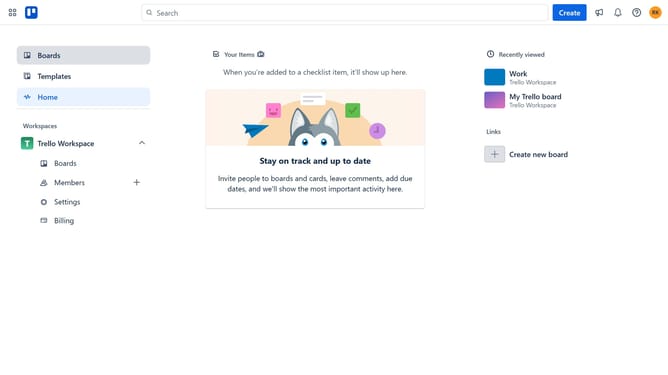
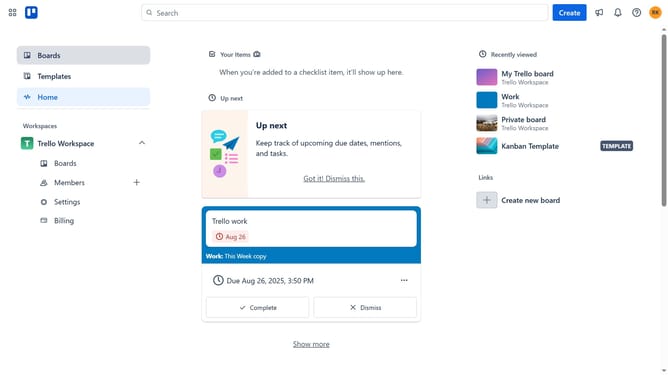
- First click on the "Boards" item in the left sidebar menu
- Then click a board in the workspace area
- Click on the "More options" button (three dots) in the top-right corner of the board
- Select "Power-Ups" option from the dropdown menu
- Navigate to "Communication & collaboration" category in the left sidebar
- Scroll down and locate the "Zeplin" Power-Up in the list
- Click the "Add" button under the Zeplin Power-Up
- Finally click the "Add" button in the confirmation dialog to complete the installation
Why should you add zeplin in Trello
Trello is a dynamic tool that streamlines project management with its intuitive board and card system.
By integrating Zeplin into Trello, you can elevate your team's collaboration by seamlessly connecting design assets directly within your workflow.
This integration ensures that key visual components are easily accessible, facilitating clear communication between designers and developers.
Harnessing the power of Zeplin in Trello enhances efficiency, ensuring projects progress smoothly with all assets aligned in one place.
Last update